Warranty Wallet: Receipts
Keep receipts, warranty dates and service records together.
Screenshots
Description
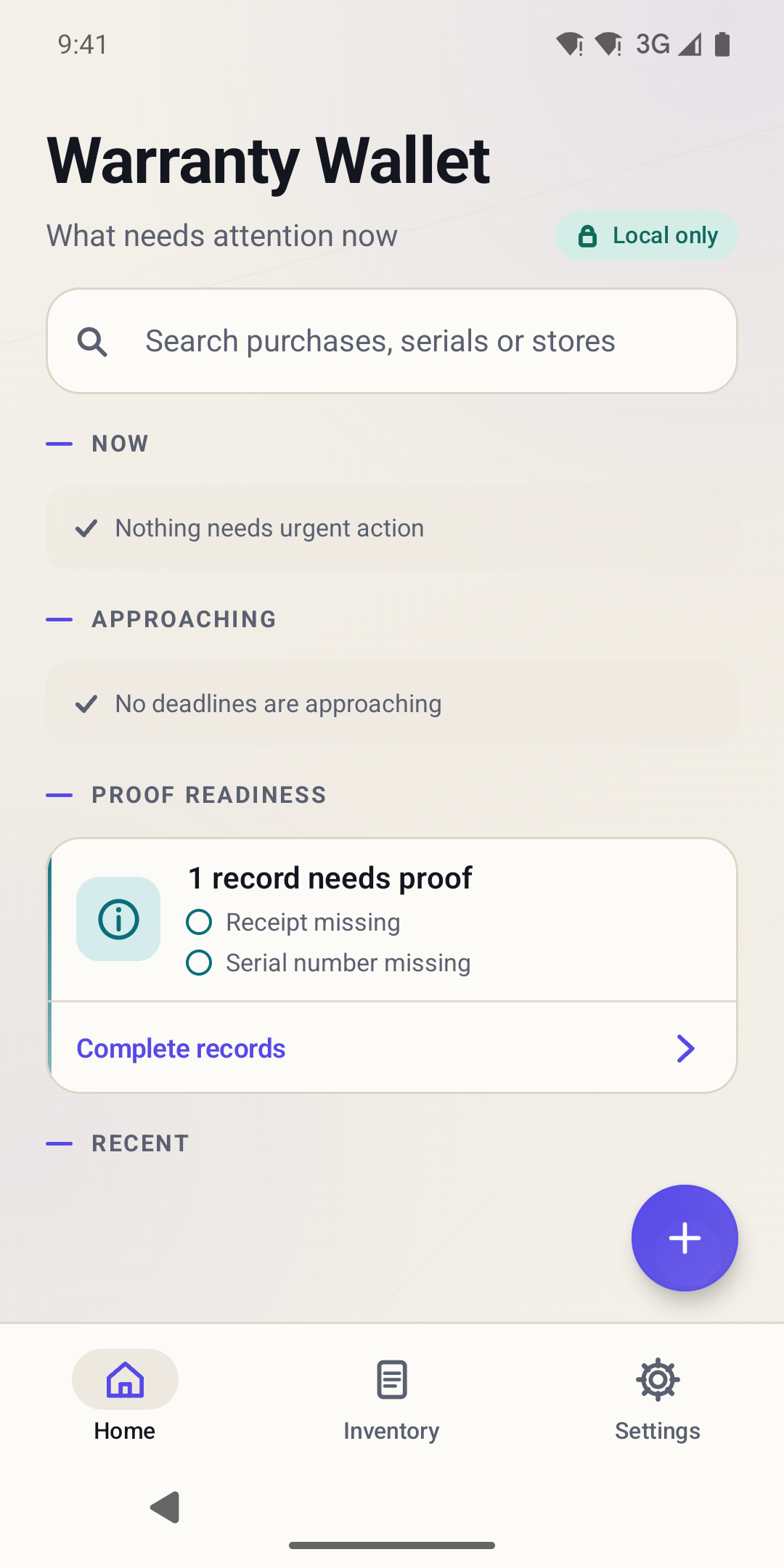
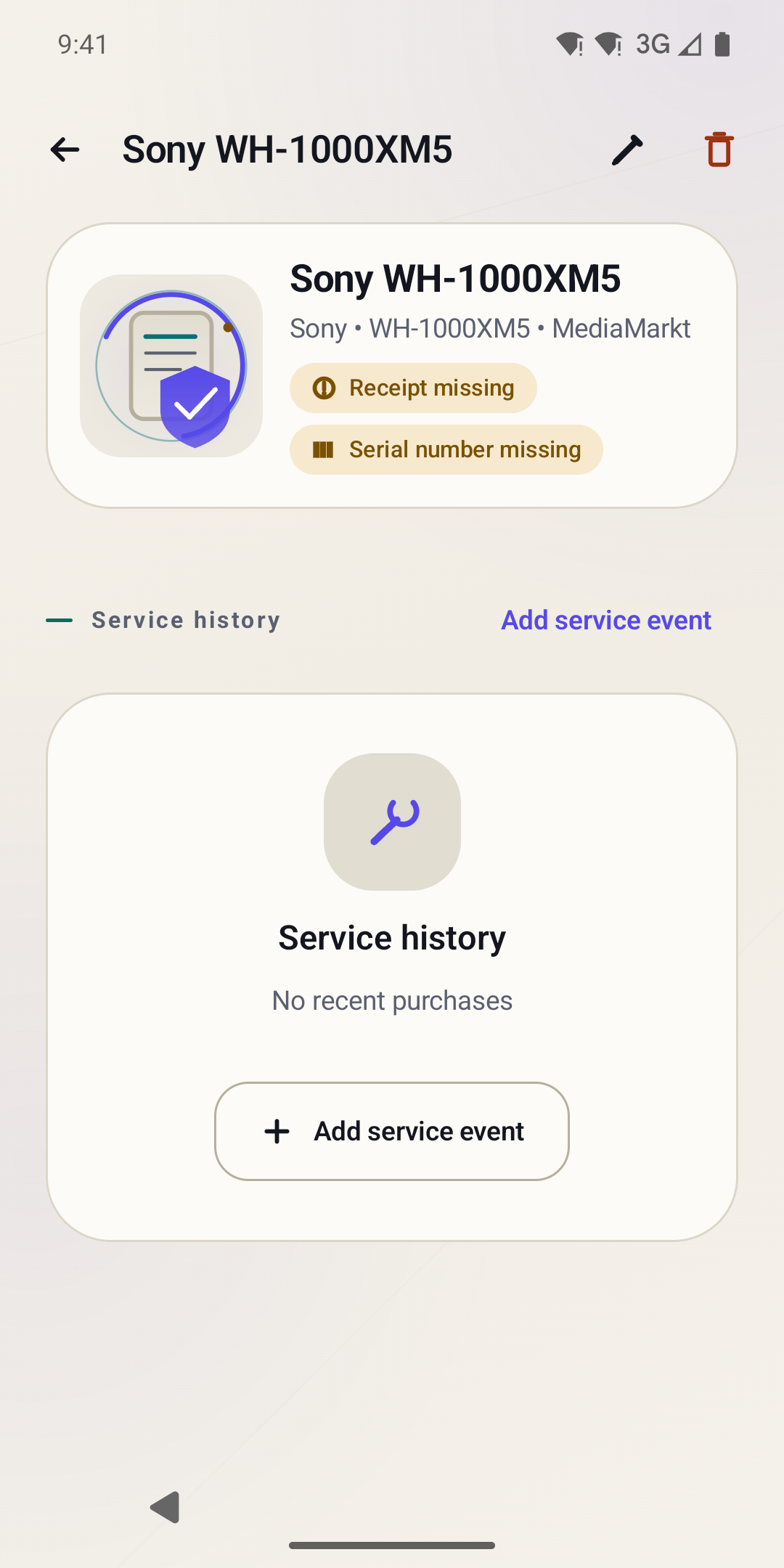
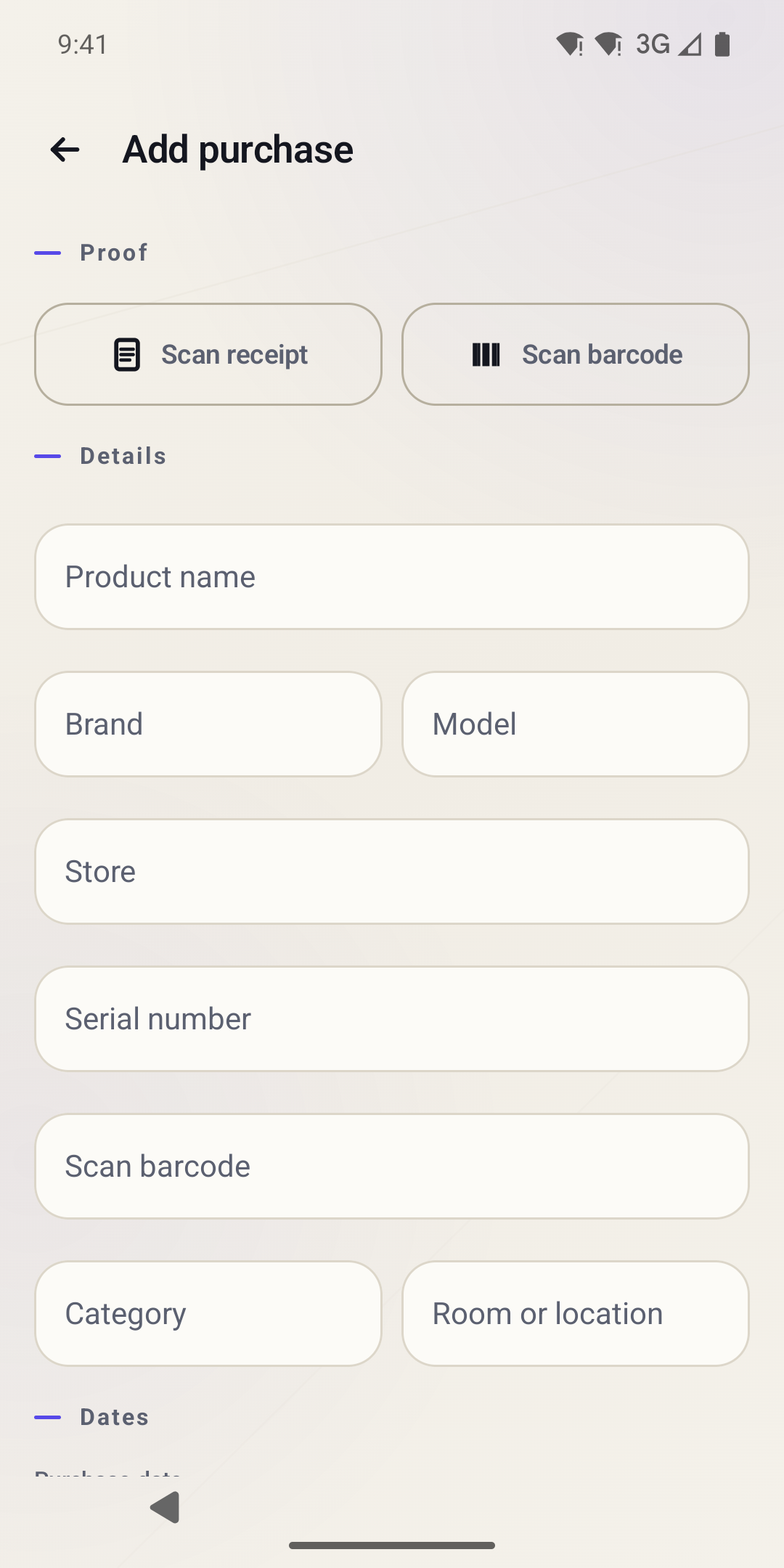
Warranty Wallet organizes receipts, product details and important dates after a purchase. Add a product's brand, model, serial number, retailer and purchase date, then attach its receipt or a related image or PDF. Barcode scanning helps fill the barcode field.
Search saved products, add notes and keep a simple service history. Follow return and warranty deadlines, with optional reminders when Android notification permission is enabled. Dates depend on the information you enter, so confirm the applicable terms with the retailer or manufacturer.
Create and share a standard home inventory PDF from your records. Optional Pro removes ads and unlocks the separate premium PDF layout. Core inventory data stays on your device, and no Warranty Wallet account is required. A home-screen widget can show selected deadlines with privacy-conscious display options.
Contains ads. Includes optional in-app purchases and subscriptions for premium features.
Privacy policy: https://www.zenovaapps.com/legal/warranty-wallet/privacy/
Versions
Permissions
What the app asks the system for. Android only grants sensitive access after you confirm it.
- Internet accessSend and receive data over the internet.
- Network stateCheck whether and how the device is connected.
- NotificationsShow notifications.
- READ_BASIC_PHONE_STATE
- permission.AD_ID
- In-app purchasesHandle purchases inside the app.
- Prevent sleepingKeep the device from going to sleep.
- Foreground serviceKeep running in the background, visible in the status bar.
Show 1 more permissions
- warrantywallet.DYNAMIC_RECEIVER_NOT_EXPORTED_PERMISSION
Comments