
TravelTrip World - Travel eSIM
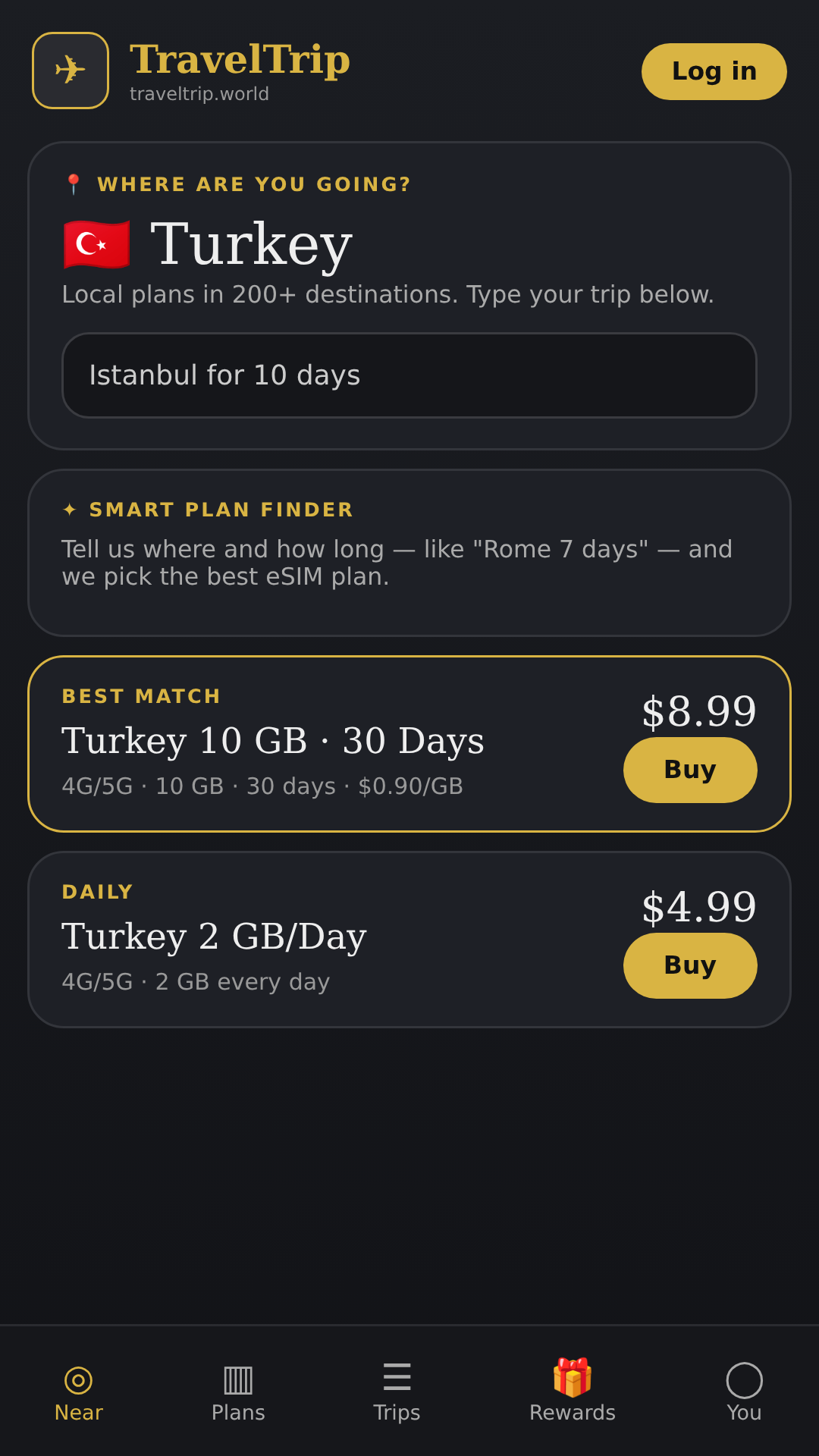
Affordable eSIM travel data for 200+ destinations. Buy, install, stay online.
Screenshots
Description
TravelTrip World keeps you connected wherever you travel. Choose a prepaid eSIM data plan for more than 200 destinations, install it on your phone in minutes, and get online as soon as you land — no physical SIM card, no store visits and no surprise roaming bills.
WHY TRAVELERS USE TRAVELTRIP WORLD
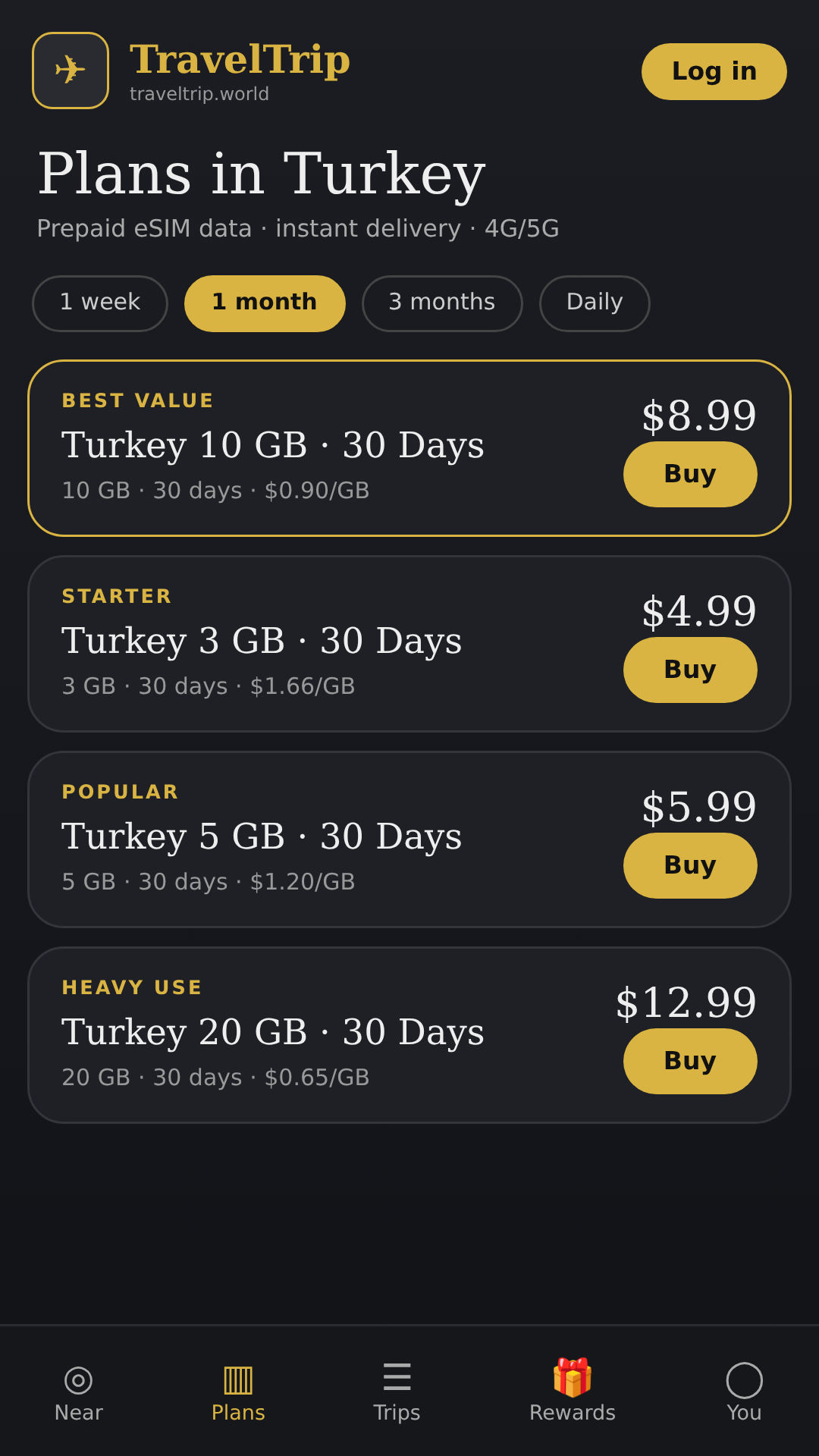
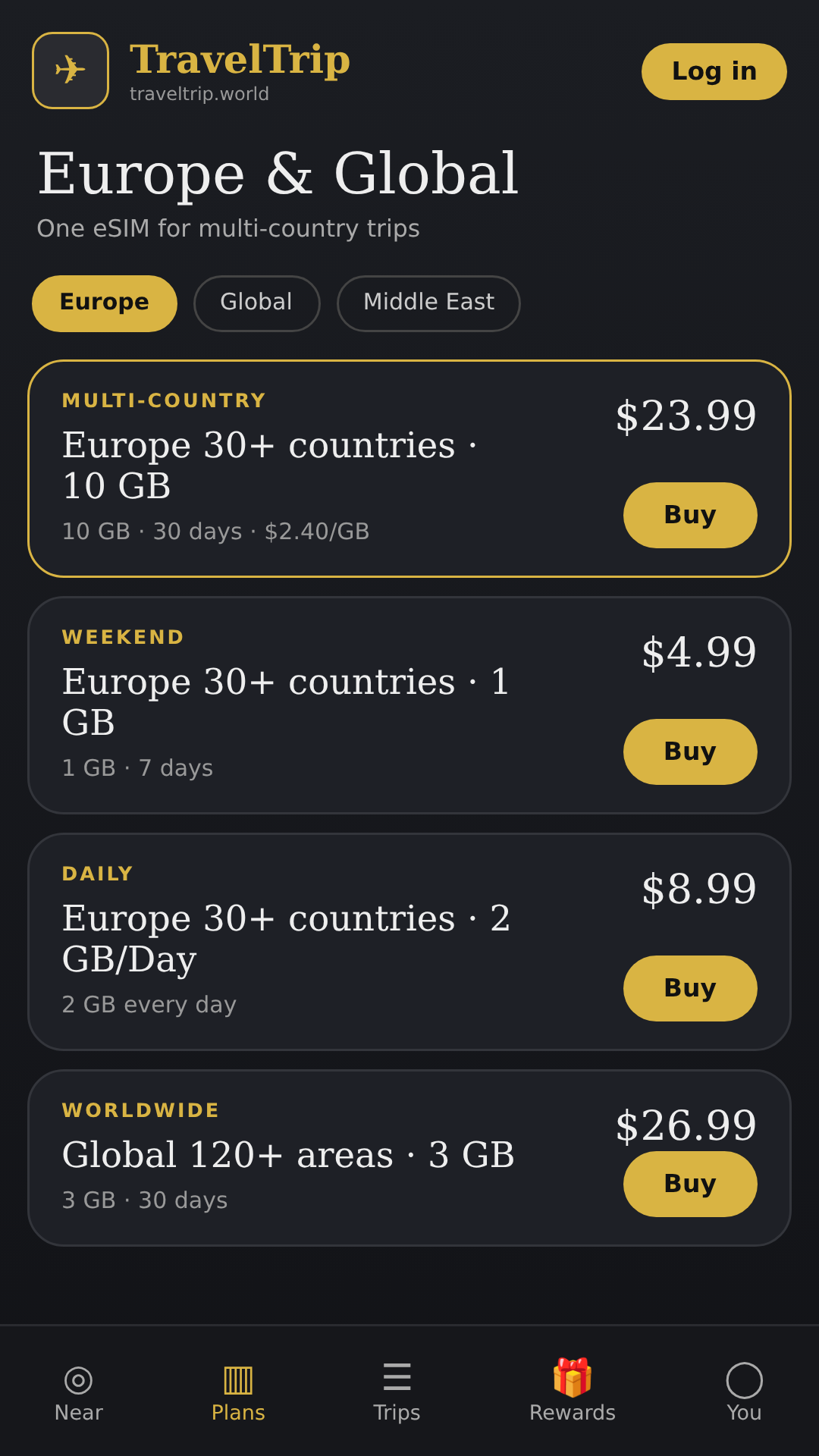
• 200+ destinations – country and regional data plans for trips of any length
• Smart plan finder – type where you are going and for how long ("Tokyo 10 days") and get the best-fit plan
• Clear pricing – data amount, validity and price per GB shown up front
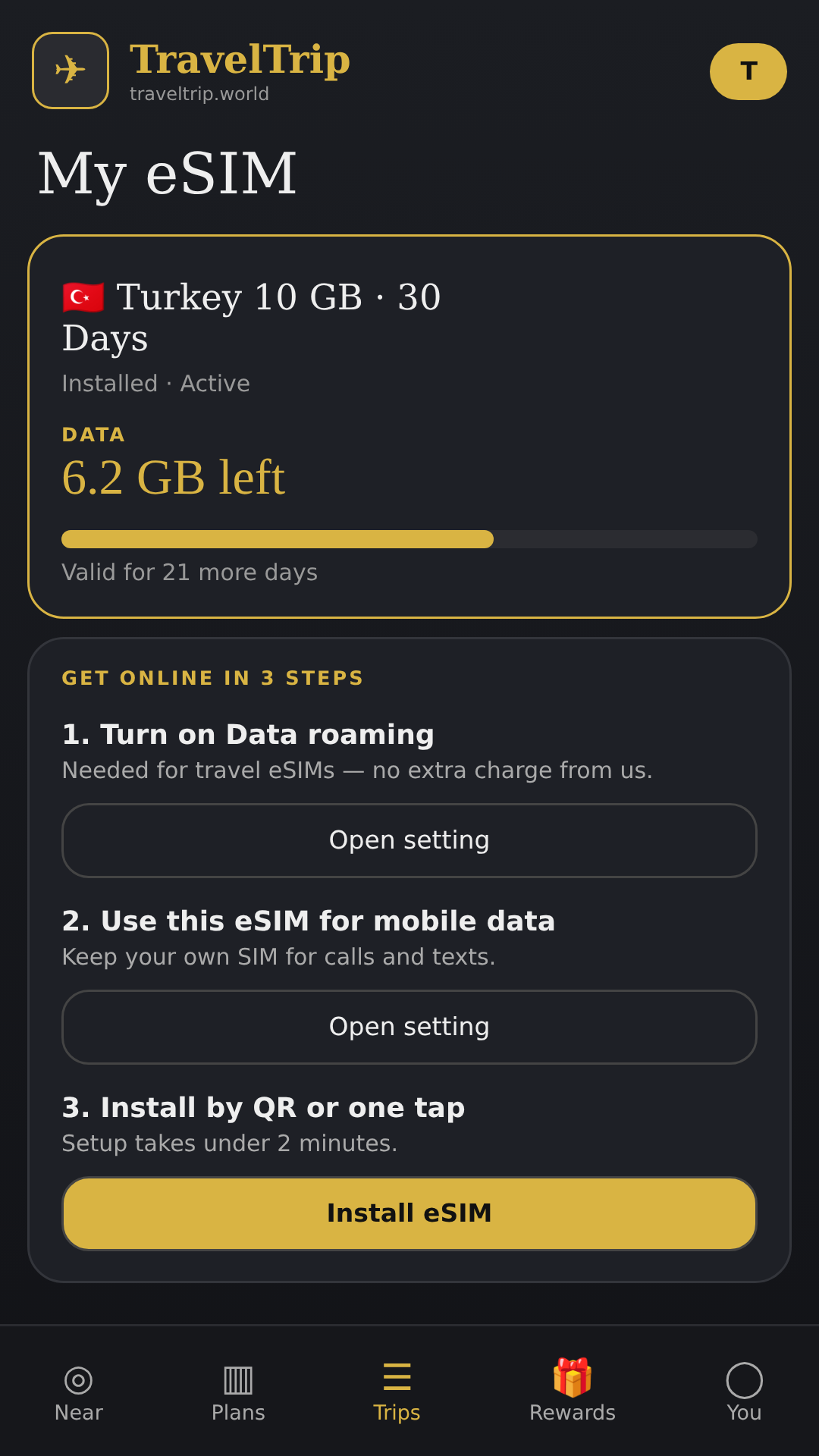
• Fast setup – install your eSIM by QR code or with one tap, plus step-by-step guidance for data roaming and APN settings
• My eSIM – check remaining data and validity at a glance
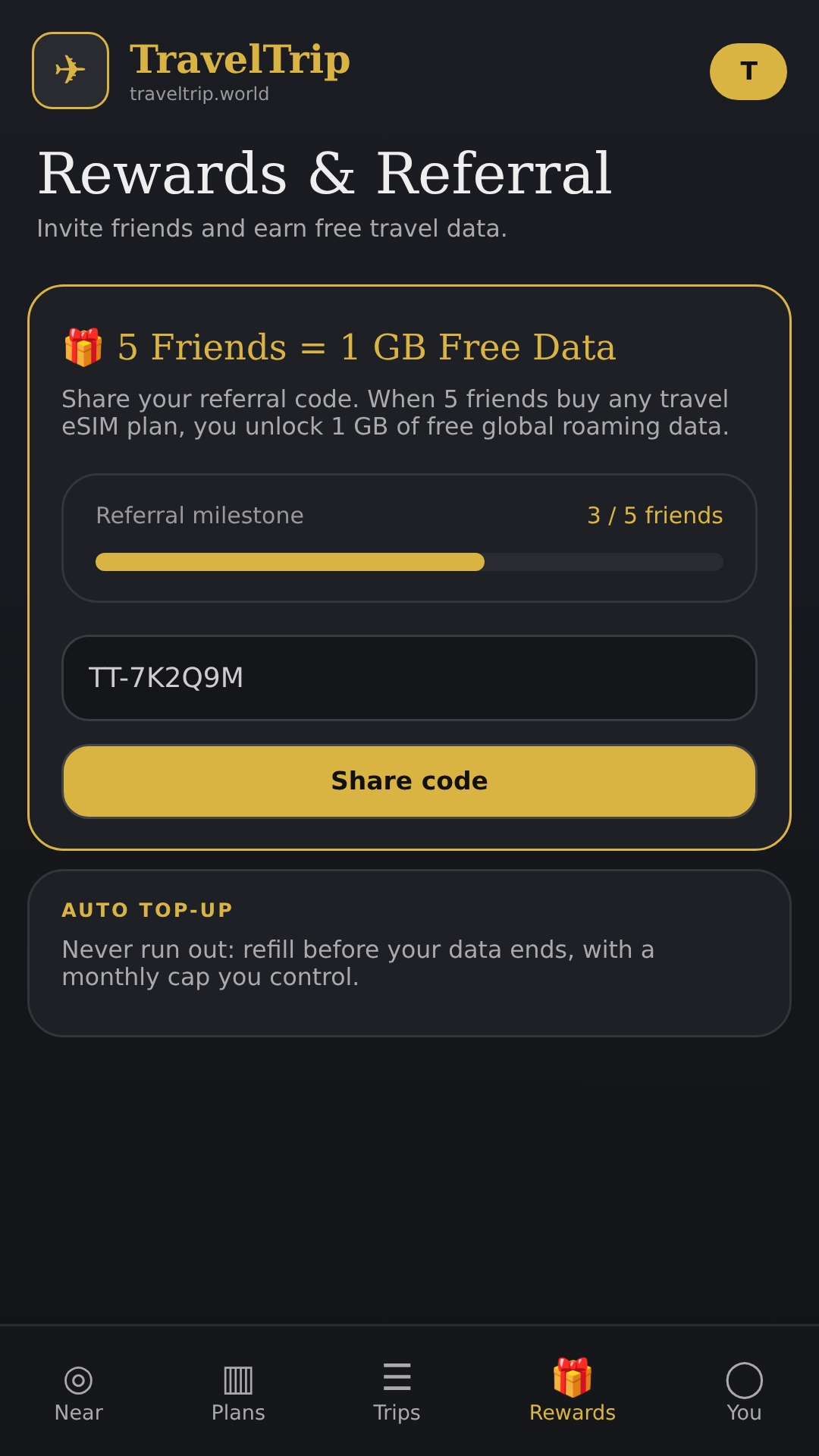
• Auto top-up – optionally refill data before you run out, with a monthly cap you control
• Rewards – invite friends and earn free data
• Secure account – optional biometric lock
HOW IT WORKS
1. Pick your destination and a data plan
2. Pay securely and receive your eSIM instantly
3. Install the eSIM and turn on data roaming for it when you arrive
4. Keep your regular SIM for calls and texts while using TravelTrip World for data
Requires an eSIM-compatible, carrier-unlocked phone.
Questions? Email traveltripworld8@gmail.com or visit https://traveltrip.world
Privacy policy: https://traveltrip.world/privacy
Versions
Permissions
What the app asks the system for. Android only grants sensitive access after you confirm it.
- Internet accessSend and receive data over the internet.
- NotificationsShow notifications.
- BiometricsUnlock with fingerprint or face.
- Approximate locationDetermine the location via the network.
- CameraTake photos and videos.
- Write storageCreate and change files on the device storage.
- FingerprintUnlock with a fingerprint.
- Network stateCheck whether and how the device is connected.
Show 3 more permissions
- Prevent sleepingKeep the device from going to sleep.
- Run at startupStart automatically after the device is switched on.
- Foreground serviceKeep running in the background, visible in the status bar.
Comments