
ReFrame: Before & After Photos
Repeat photo angles, compare progress and share transformation videos.
Screenshots
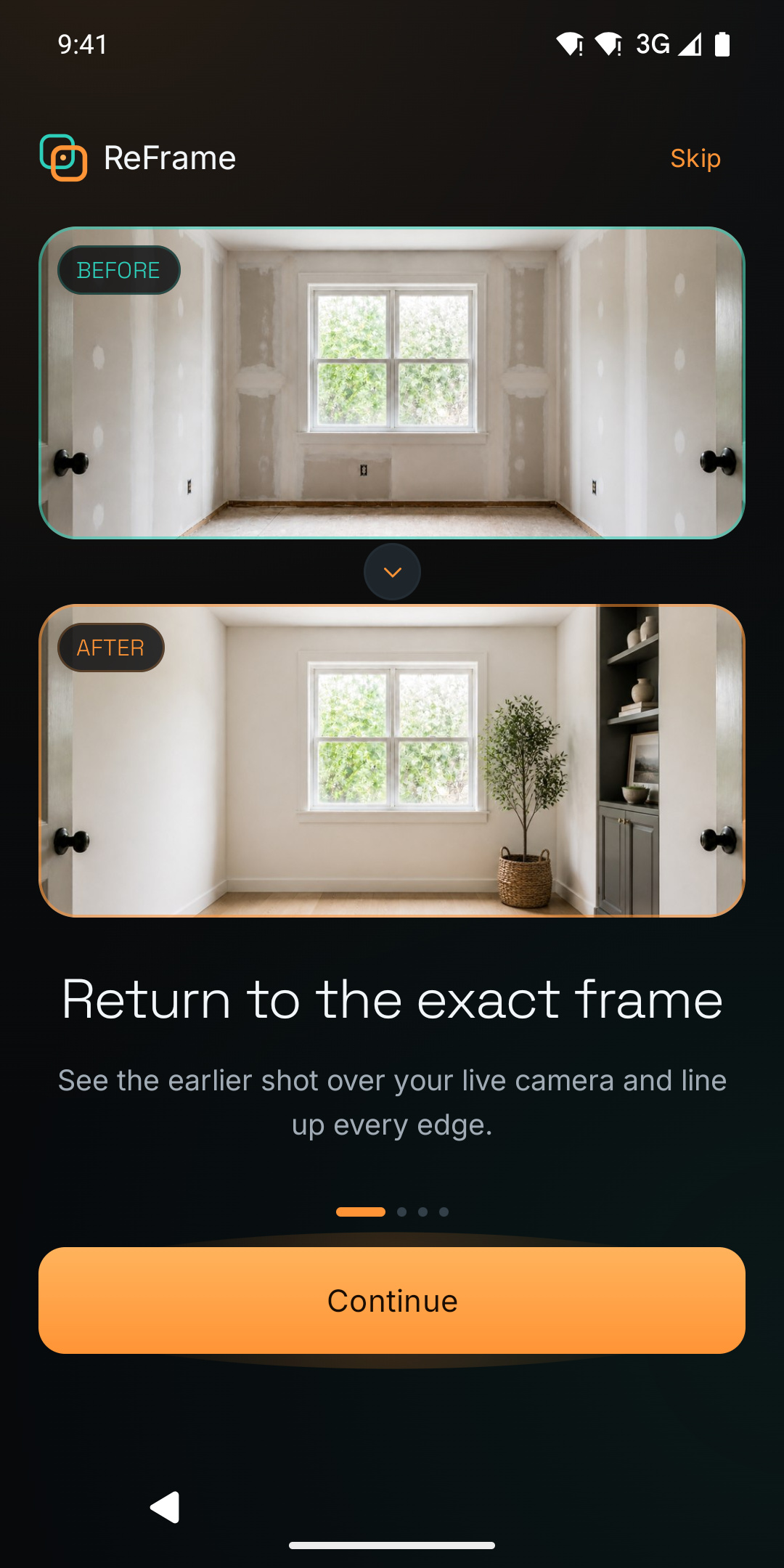
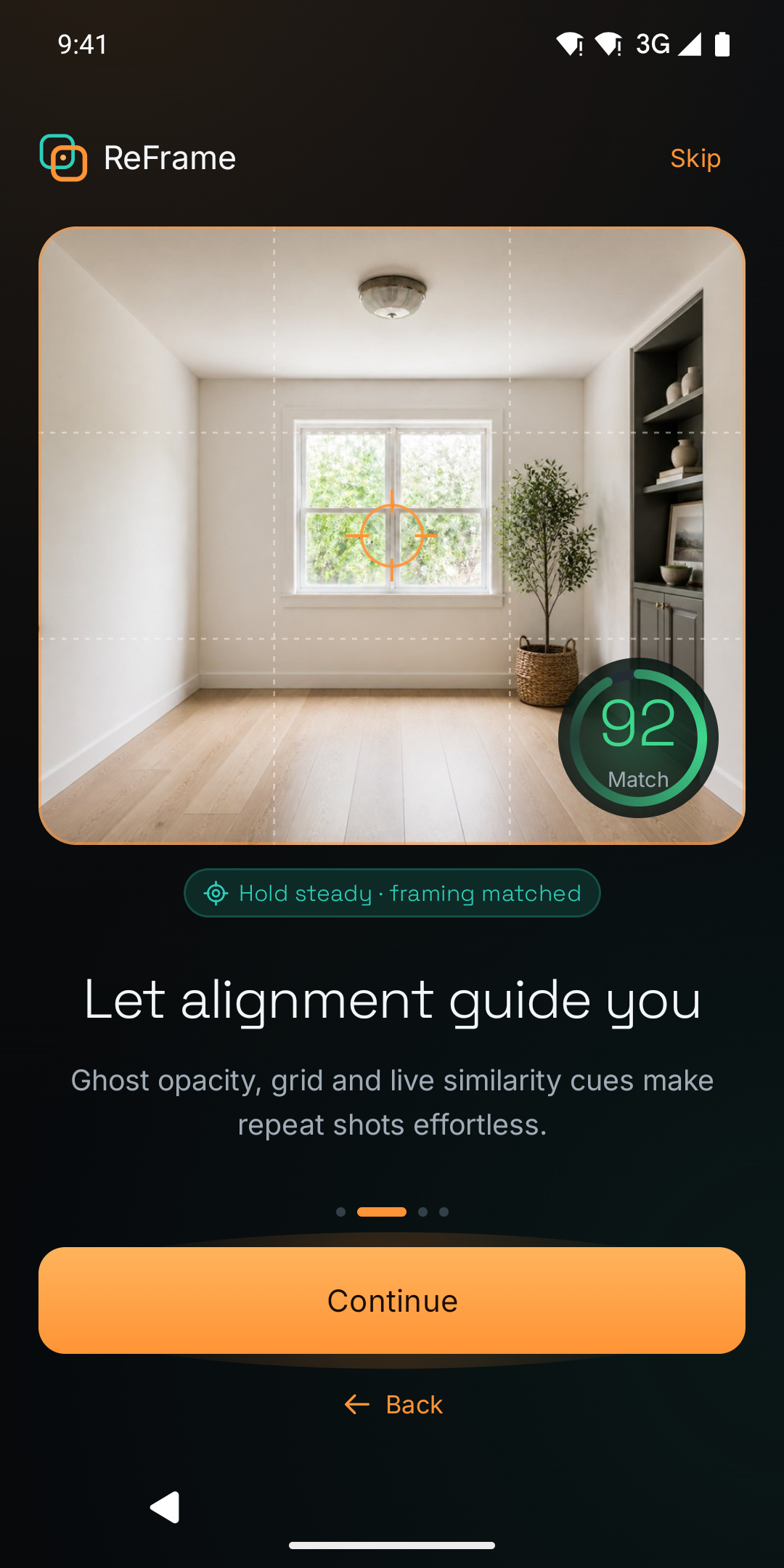
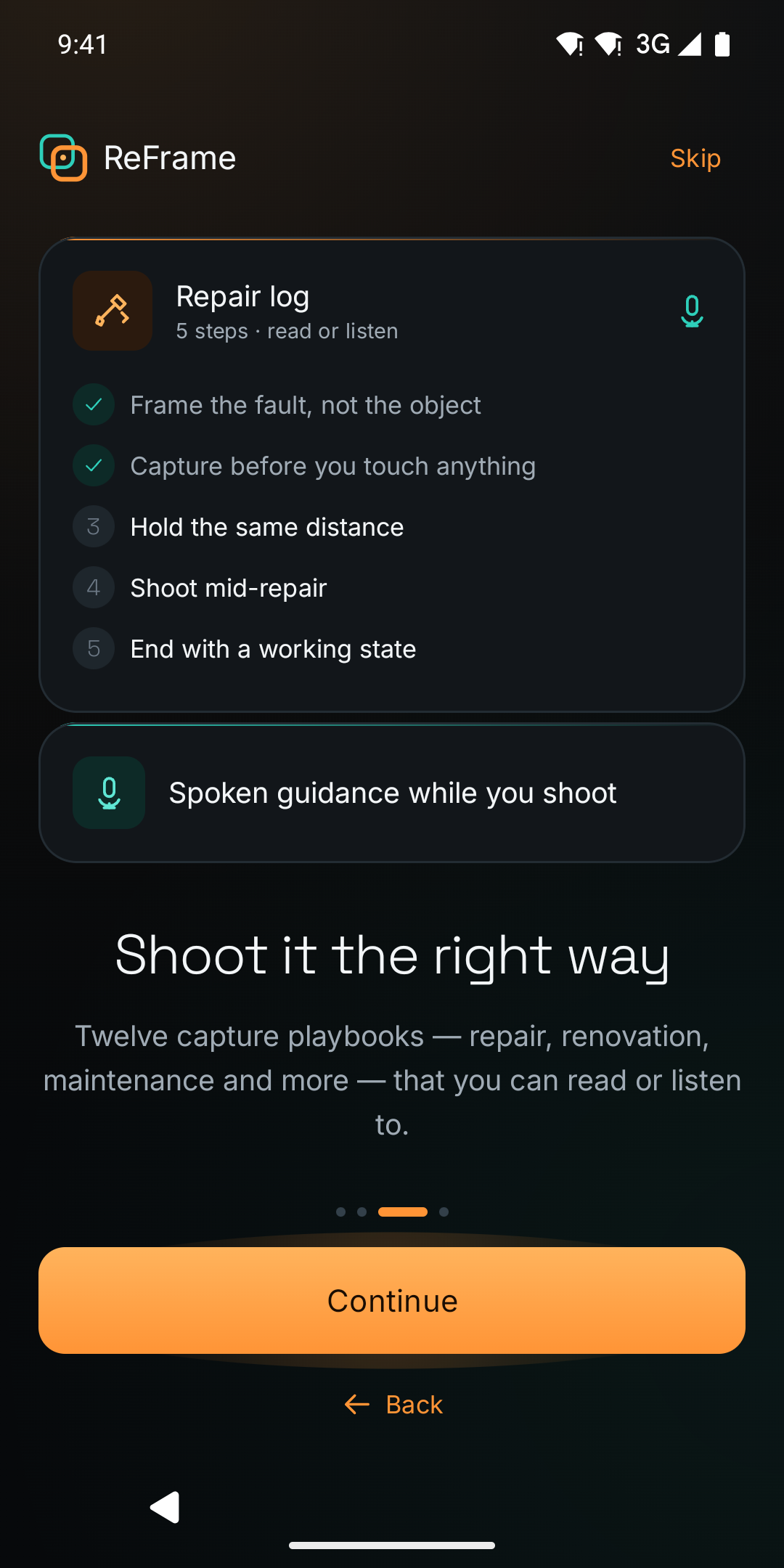
Description
ReFrame helps you return to the same camera angle and show what changed. Start a project with an anchor photo, then use that image as a translucent guide over the live camera when you take the next shot. Adjust the overlay opacity, use the grid and follow alignment cues to recreate your framing.
Keep renovation, restoration, plant growth or creative project photos together in a timeline. Compare two moments with a draggable before-and-after divider and turn the change into a transformation video you can share.
ReFrame works without an account and keeps project data in app-private device storage. Core capture and project tools remain useful offline. Optional reminders and a home-screen widget help you return for the next photo. Available Pro plans remove ads and unlock the advanced tools shown in the app. Lighting, lens and scene changes can still affect alignment.
Contains ads. Includes optional in-app purchases and subscriptions for premium features.
Versions
Permissions
What the app asks the system for. Android only grants sensitive access after you confirm it.
- CameraTake photos and videos.
- Internet accessSend and receive data over the internet.
- Network stateCheck whether and how the device is connected.
- NotificationsShow notifications.
- Run at startupStart automatically after the device is switched on.
- Prevent sleepingKeep the device from going to sleep.
- permission.AD_ID
- ACCESS_ADSERVICES_AD_ID
Show 5 more permissions
- ACCESS_ADSERVICES_ATTRIBUTION
- ACCESS_ADSERVICES_TOPICS
- In-app purchasesHandle purchases inside the app.
- Foreground serviceKeep running in the background, visible in the status bar.
- reframe.DYNAMIC_RECEIVER_NOT_EXPORTED_PERMISSION
Comments