
PodPop for AirPods
Check AirPods battery and connection status on Android.
Screenshots

Description
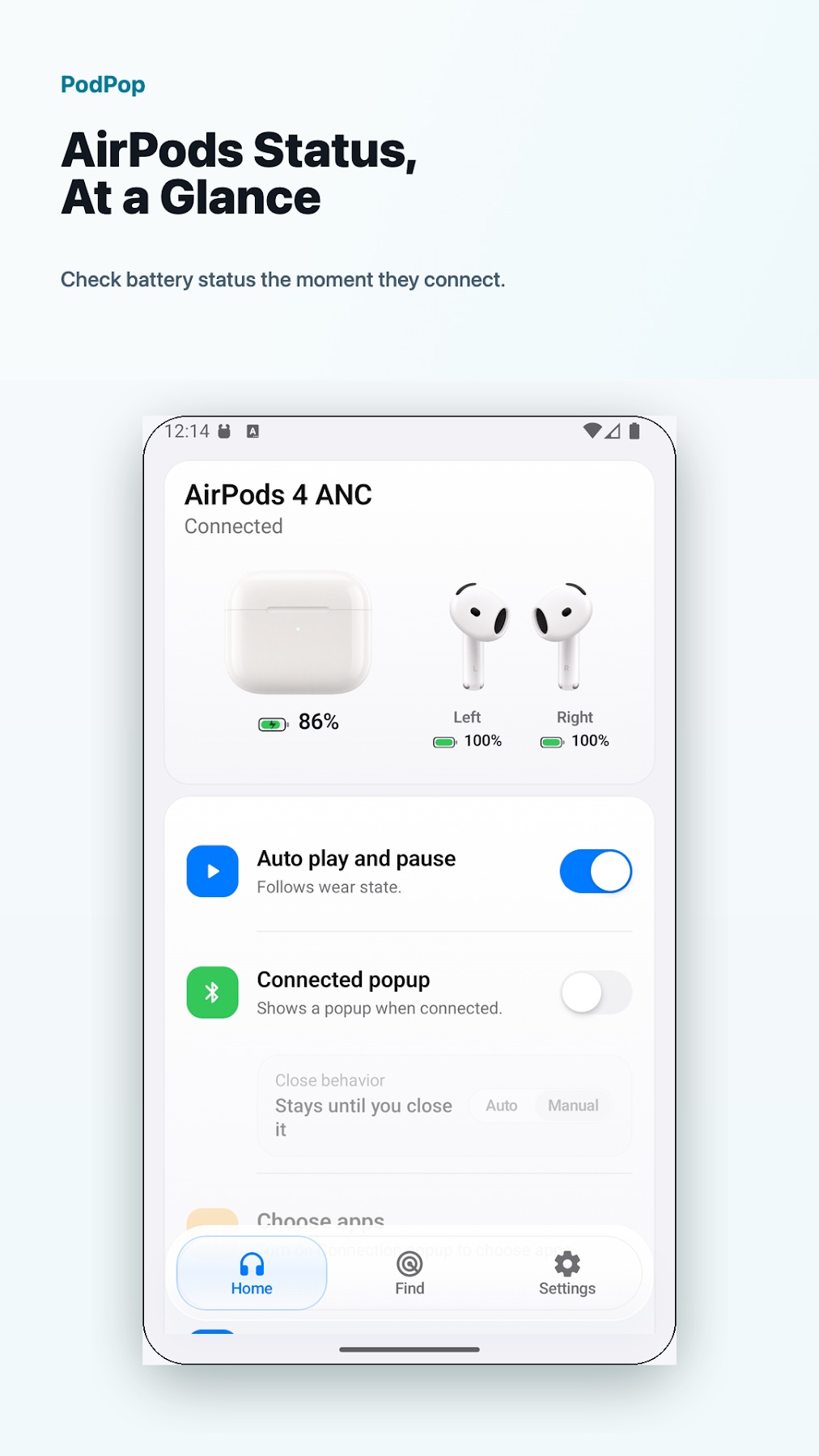
PodPop shows battery and connection information for compatible AirPods and AirPods Max on Android.
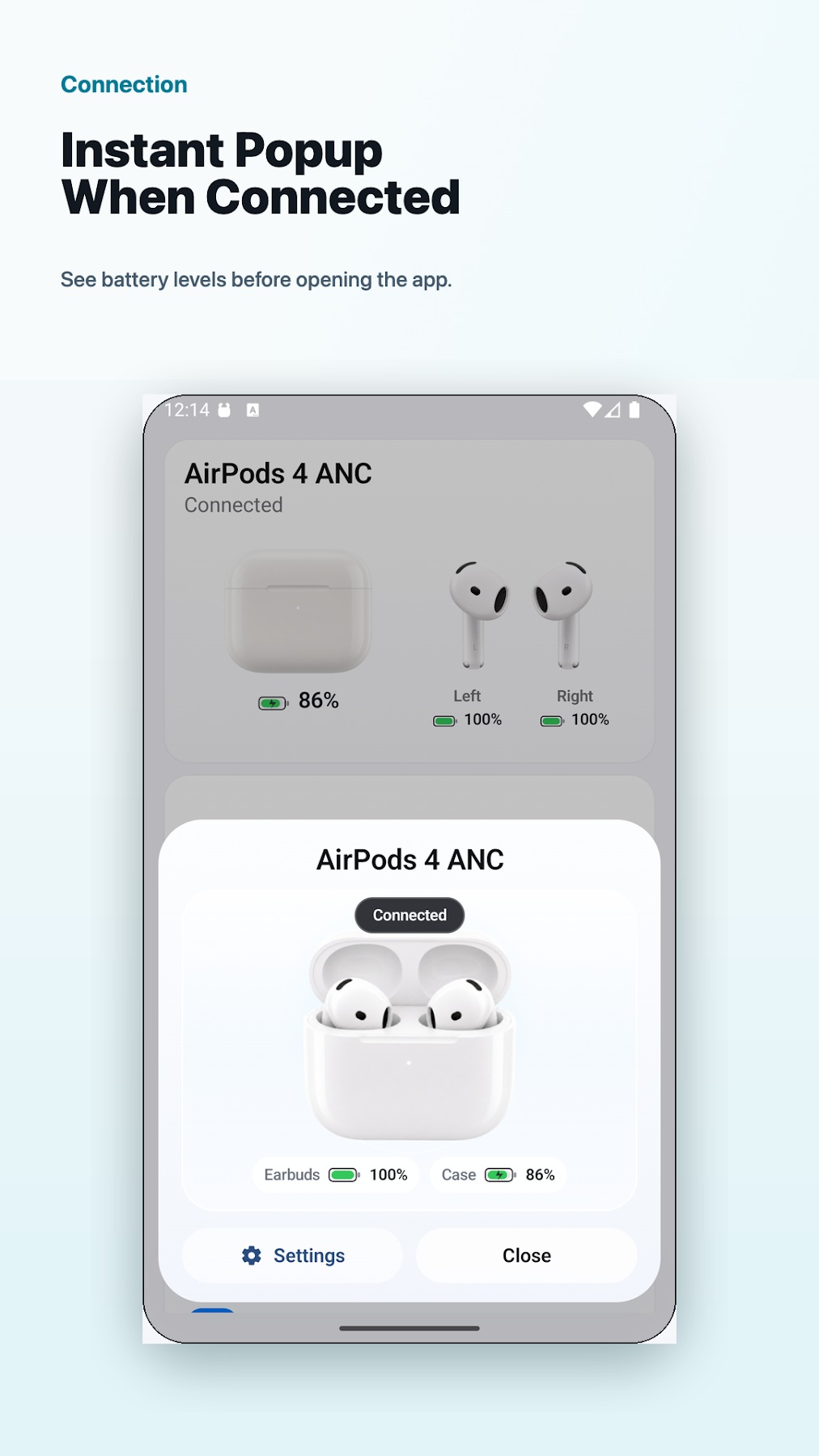
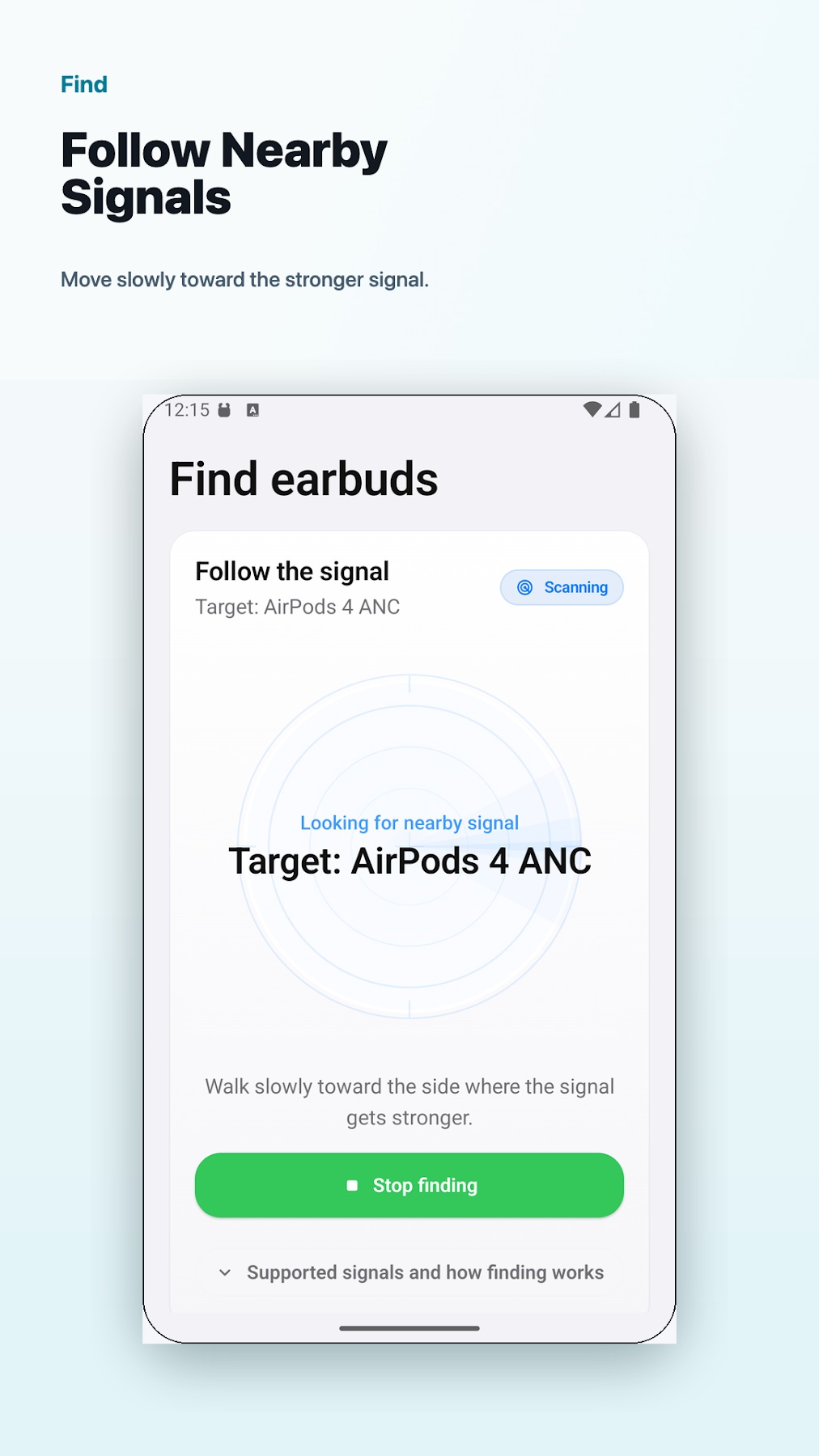
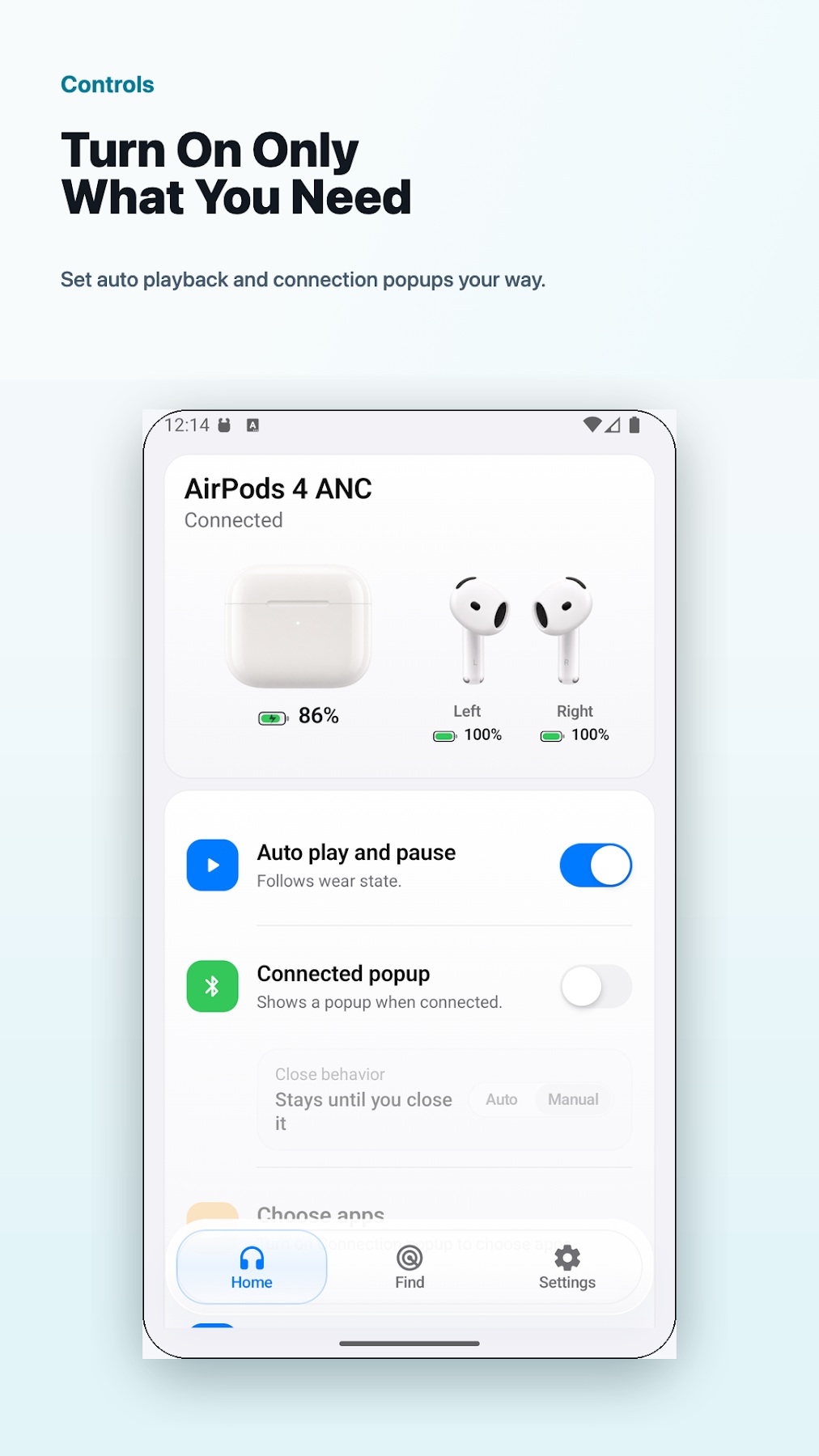
Check left earbud, right earbud and case battery levels when available. Use a connection popup to see battery status without opening the app, or use nearby Bluetooth signal changes as a guide when looking for your AirPods. Supported models and Android devices can also provide wear status and auto play or pause.
Privacy policy: https://docs.google.com/document/d/1duX3cvg83IAP1LUTjOfPujGfzcYSRHBW1asYgLVKlBY/edit?usp=sharing
Versions
Permissions
What the app asks the system for. Android only grants sensitive access after you confirm it.
- BluetoothConnect to Bluetooth devices.
- BLUETOOTH_ADMIN
- Approximate locationDetermine the location via the network.
- Precise locationDetermine the location via GPS.
- Bluetooth scanSearch for nearby Bluetooth devices.
- Bluetooth connectionConnect to paired Bluetooth devices.
- NotificationsShow notifications.
- Foreground serviceKeep running in the background, visible in the status bar.
Show 11 more permissions
- FOREGROUND_SERVICE_CONNECTED_DEVICE
- Run at startupStart automatically after the device is switched on.
- Display over other appsDraw content on top of other apps.
- Internet accessSend and receive data over the internet.
- Network stateCheck whether and how the device is connected.
- permission.AD_ID
- ACCESS_ADSERVICES_AD_ID
- ACCESS_ADSERVICES_ATTRIBUTION
- ACCESS_ADSERVICES_TOPICS
- Prevent sleepingKeep the device from going to sleep.
- EarSmart.DYNAMIC_RECEIVER_NOT_EXPORTED_PERMISSION
Comments