
PocketManager AI
Organize your documents, find information, and ask AI.
Screenshots
Description
Your important documents, all under control.
PocketManager AI helps you store, organize, and find your personal documents in one place.
Contracts, insurance policies, bills, receipts, certificates, vehicle documents, housing documents, and other important files can all be organized and easy to access.
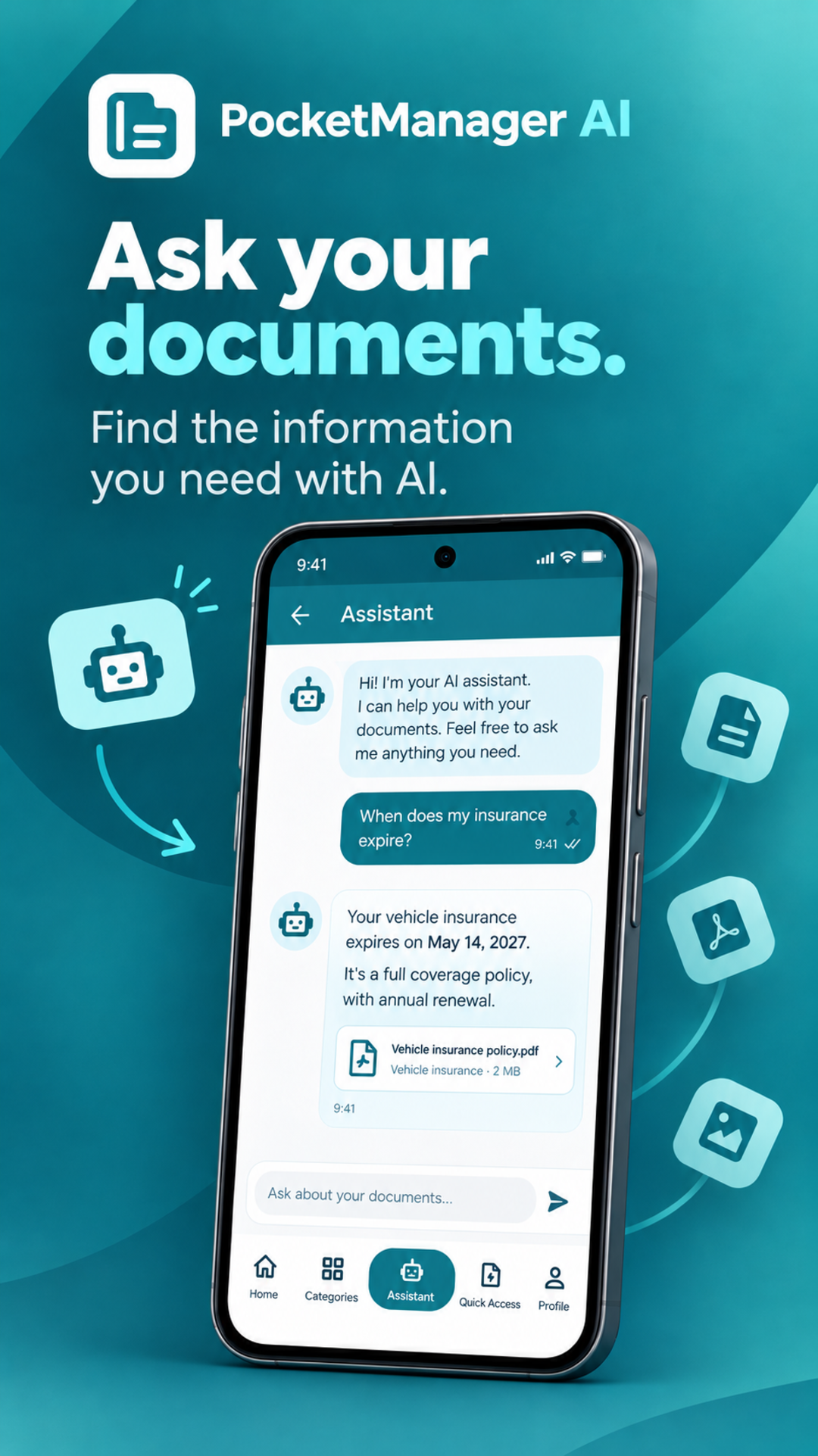
But PocketManager AI goes one step further: you can ask AI questions about the information contained in your documents.
Ask questions about your documents
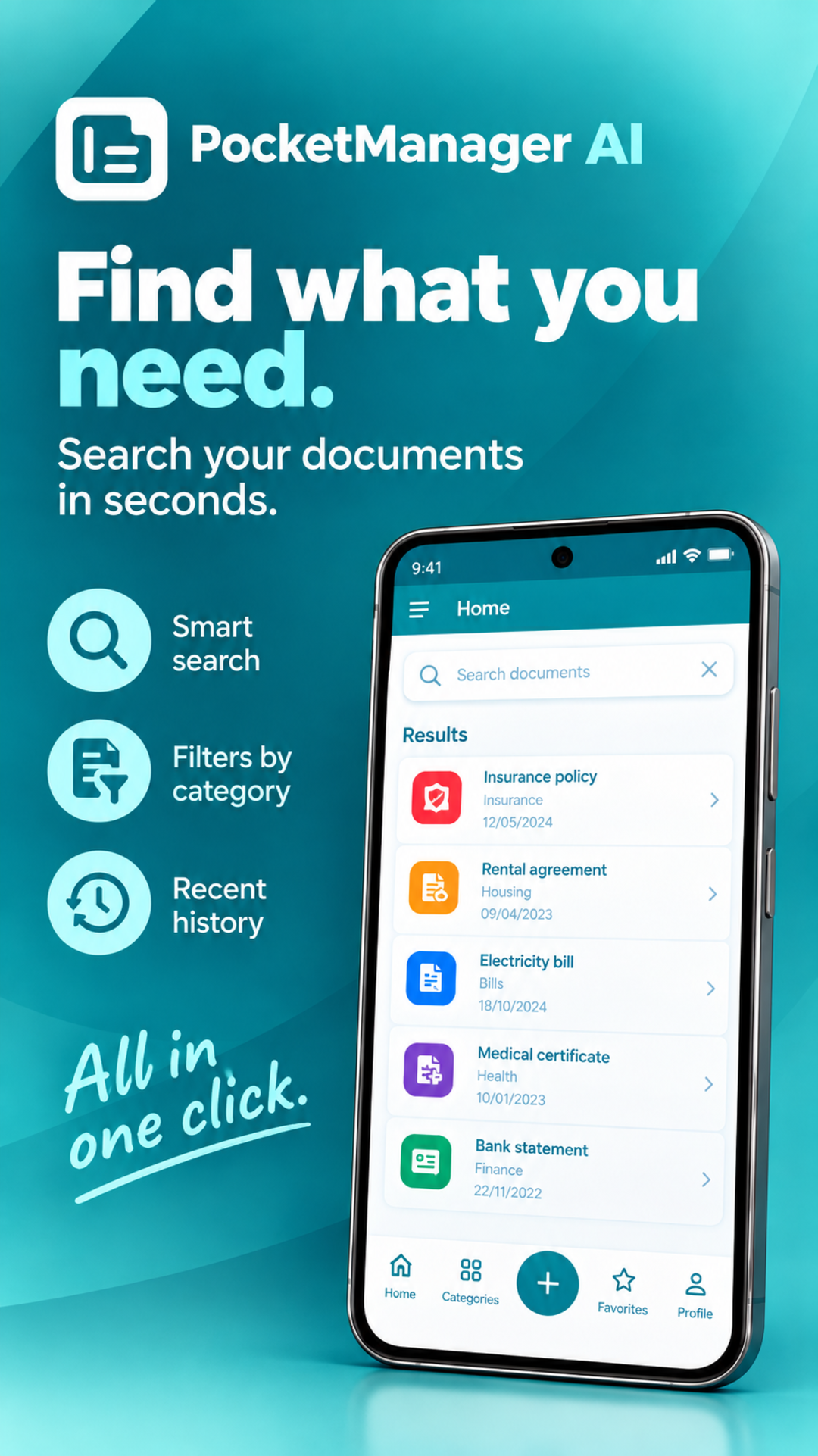
Instead of opening several files to find a specific detail, you can ask a question and search for the information you need.
For example:
• When does my insurance policy expire?
• Find my rental agreement.
• What coverage does this insurance policy include?
• Find the car invoice.
• Where is my electricity bill?
• Show me the documents related to my home.
PocketManager AI uses the information available in your documents to help you find and consult what you are looking for.
Organize your documents
Sort your files into categories and subcategories and keep everything easy to find.
You can organize documents such as:
• Insurance policies
• Bills and receipts
• Contracts
• Tax documents
• Medical documents
• Vehicle documents
• Housing documents
• Loans and financial documents
• Certificates
• Family documents
• Other important files
Add notes and comments, mark documents as favorites, and easily access recently viewed files.
Scan documents and extract text with OCR
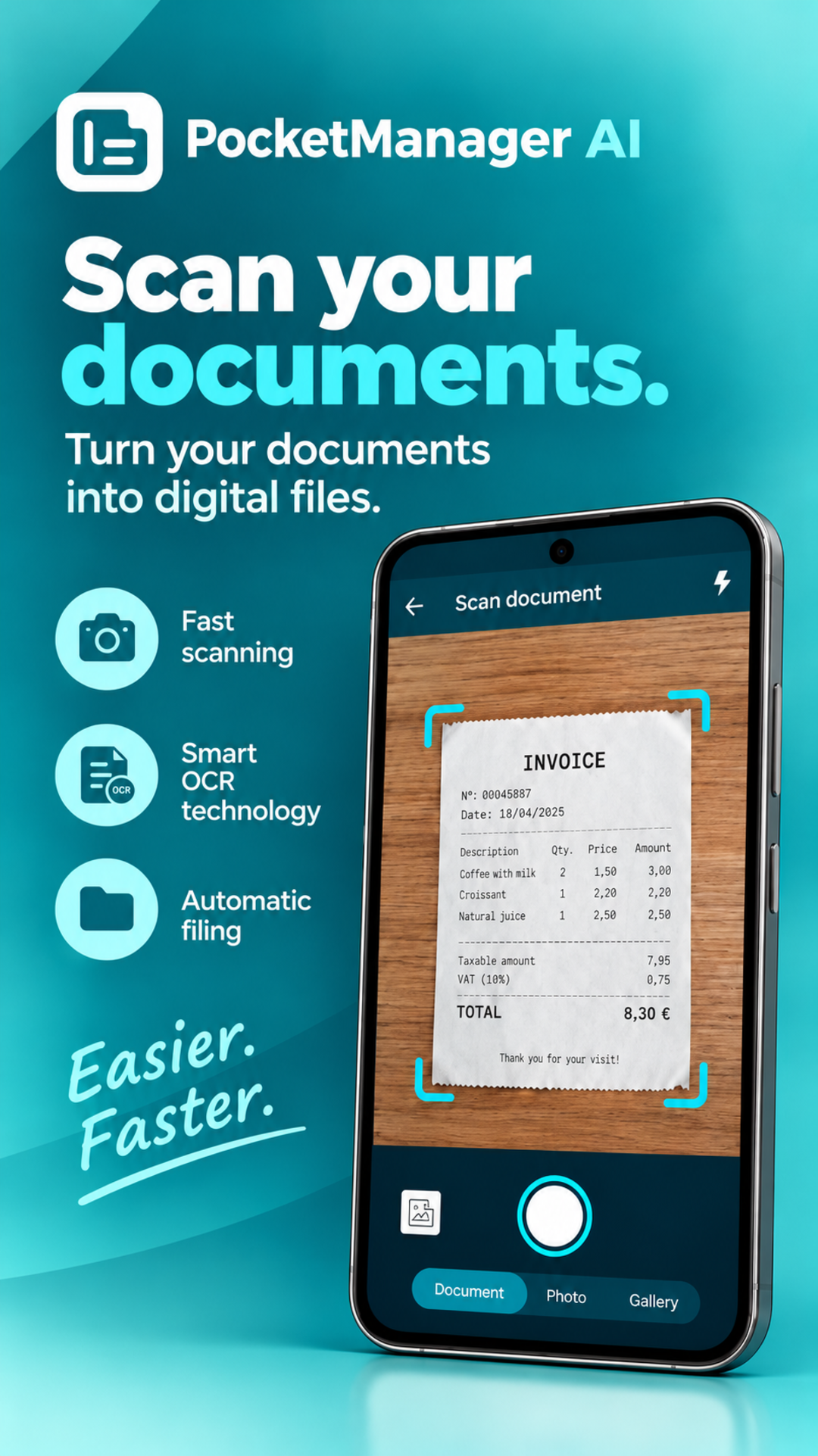
Scan documents and images directly with your camera and use OCR to extract their text.
This makes it easier to search and consult the information contained in your documents, even when the original file is an image.
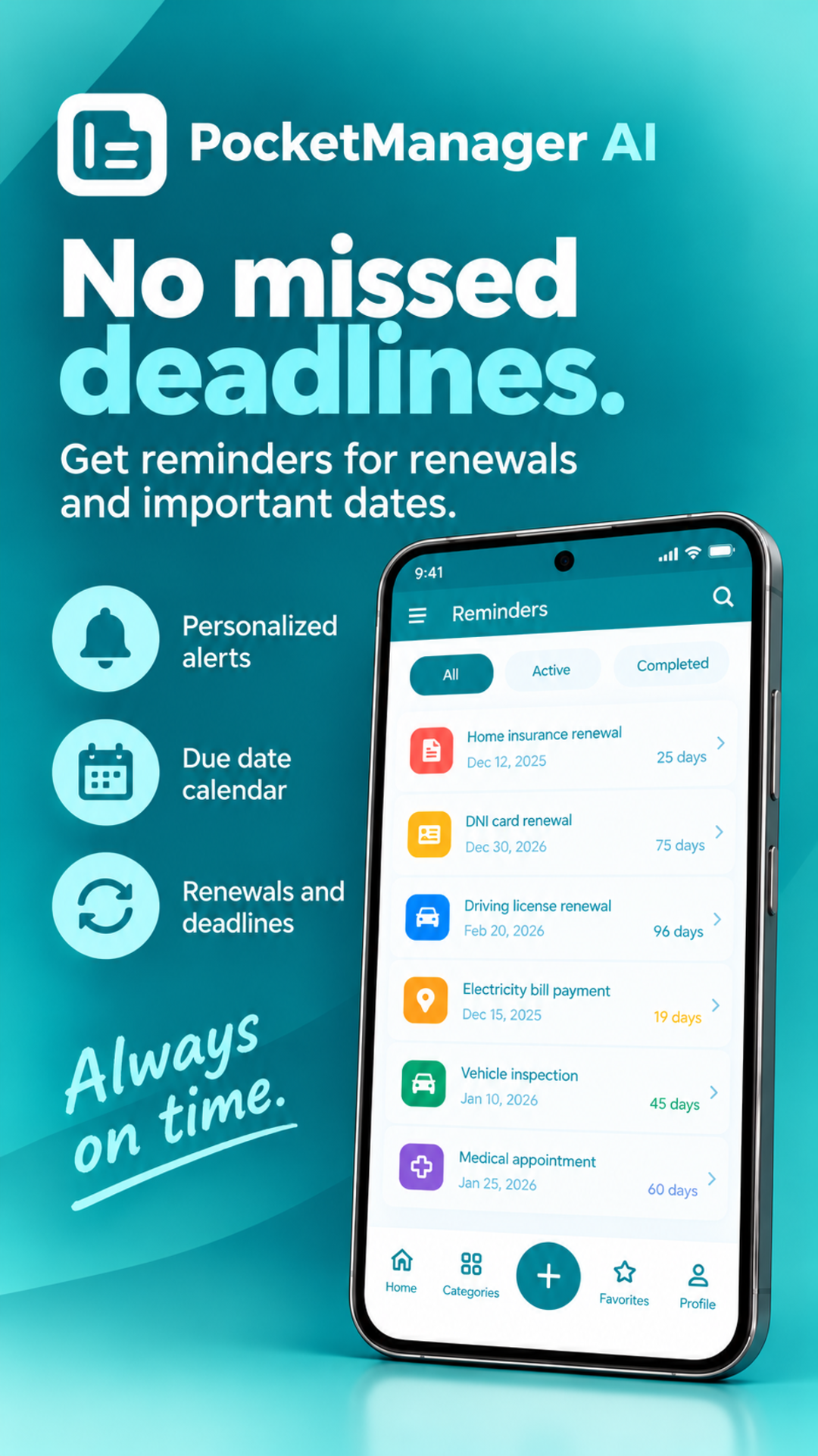
Never forget important dates
Create reminders to keep track of expiration dates and renewals.
You can use them for insurance policies, contracts, loans, utility services, and other documents that need to be renewed or reviewed.
Protect your documents
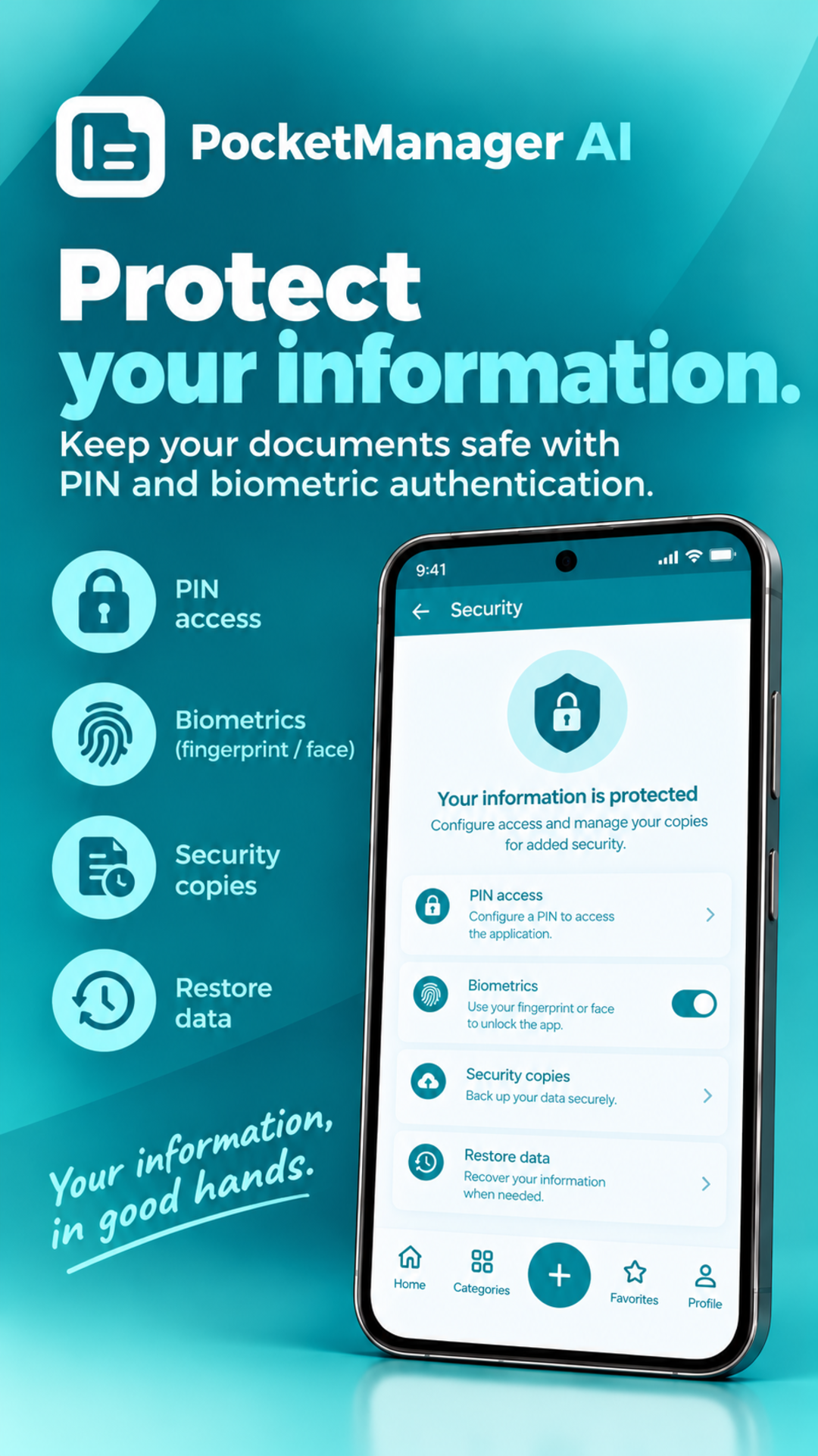
Keep access to your information protected with a PIN and biometric authentication.
You can also create backups and restore your information whenever you need to.
Everything you need to manage your documents
PocketManager AI includes:
• Organization by categories and subcategories
• AI-powered search across your documents
• OCR for documents and images
• Notes and comments
• Favorites
• Recently viewed document history
• Expiration and renewal reminders
• PIN and biometric protection
• Backup and restore
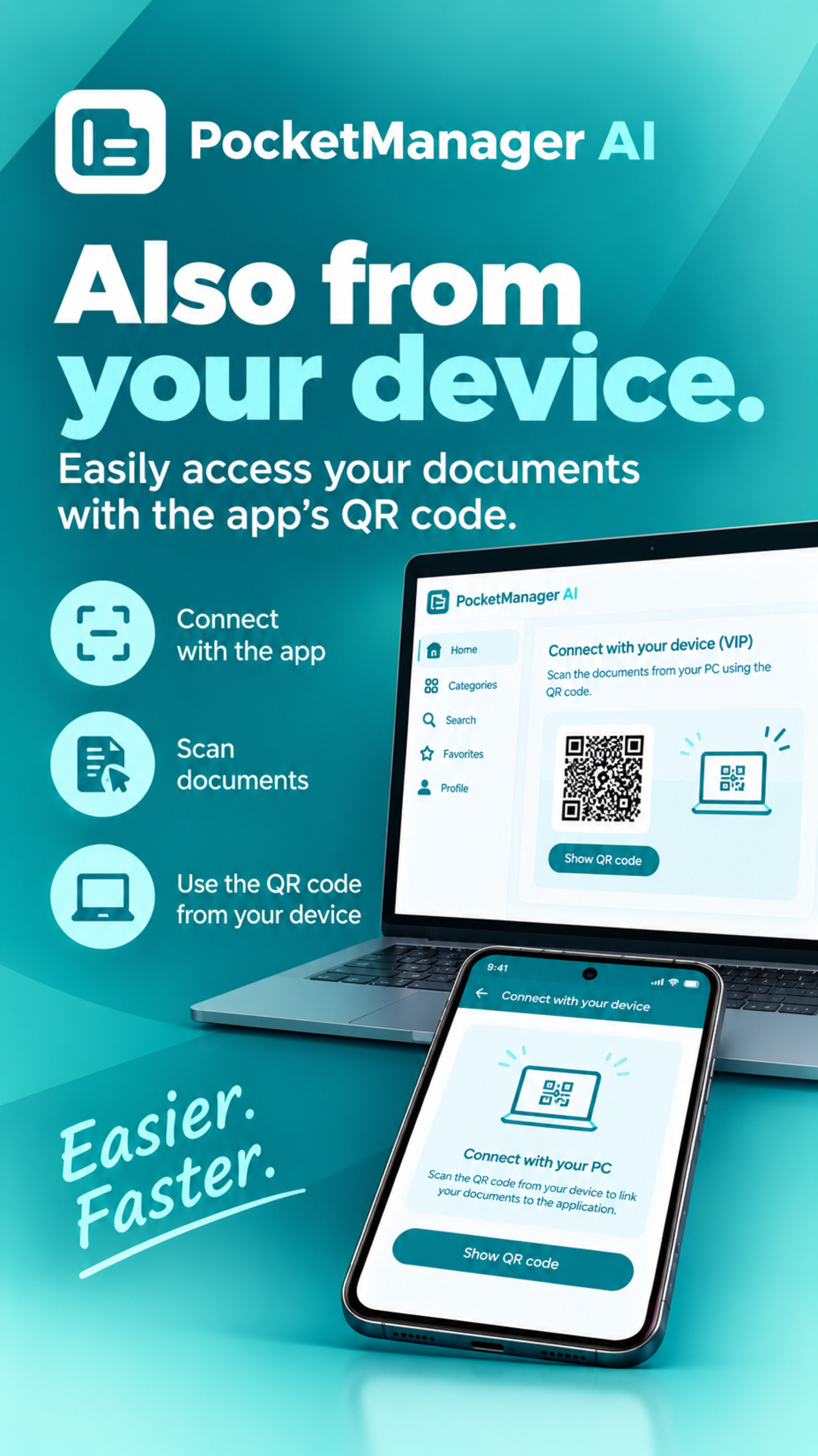
• File transfer between your phone and computer using a QR code
A simpler way to keep your important documents under control.
Store, organize, and access your documents from your phone, and find the information you need without having to go through your files one by one.
PocketManager AI: your documents, organized and easy to access.
Versions
Permissions
What the app asks the system for. Android only grants sensitive access after you confirm it.
- Internet accessSend and receive data over the internet.
- Network stateCheck whether and how the device is connected.
- Wi-Fi stateRead information about the Wi-Fi connection.
- CHANGE_WIFI_MULTICAST_STATE
- NotificationsShow notifications.
- Read calendarRead appointments.
- Change calendarCreate and change appointments.
- CameraTake photos and videos.
Show 14 more permissions
- BiometricsUnlock with fingerprint or face.
- FingerprintUnlock with a fingerprint.
- permission.AD_ID
- ACCESS_ADSERVICES_AD_ID
- ACCESS_ADSERVICES_ATTRIBUTION
- ACCESS_ADSERVICES_TOPICS
- Prevent sleepingKeep the device from going to sleep.
- permission.BIND_GET_INSTALL_REFERRER_SERVICE
- In-app purchasesHandle purchases inside the app.
- Foreground serviceKeep running in the background, visible in the status bar.
- permission.RECEIVE
- pocketmanager.DYNAMIC_RECEIVER_NOT_EXPORTED_PERMISSION
- permission.READ_GSERVICES
- vending.CHECK_LICENSE
Comments