
Navi AutoRun: Bluetooth GPS
Open your chosen navigation app when the car Bluetooth connects.
Screenshots
Description
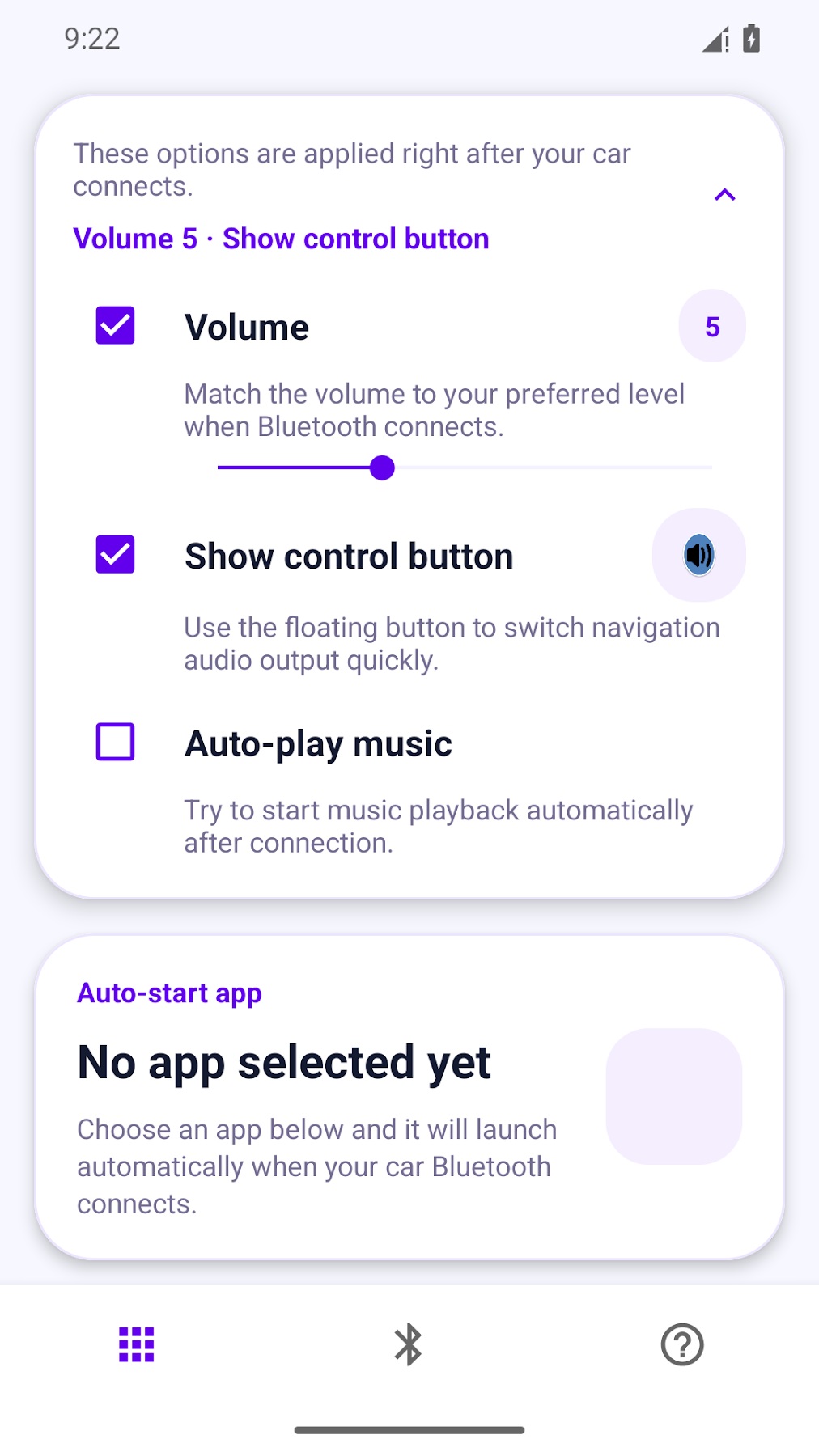
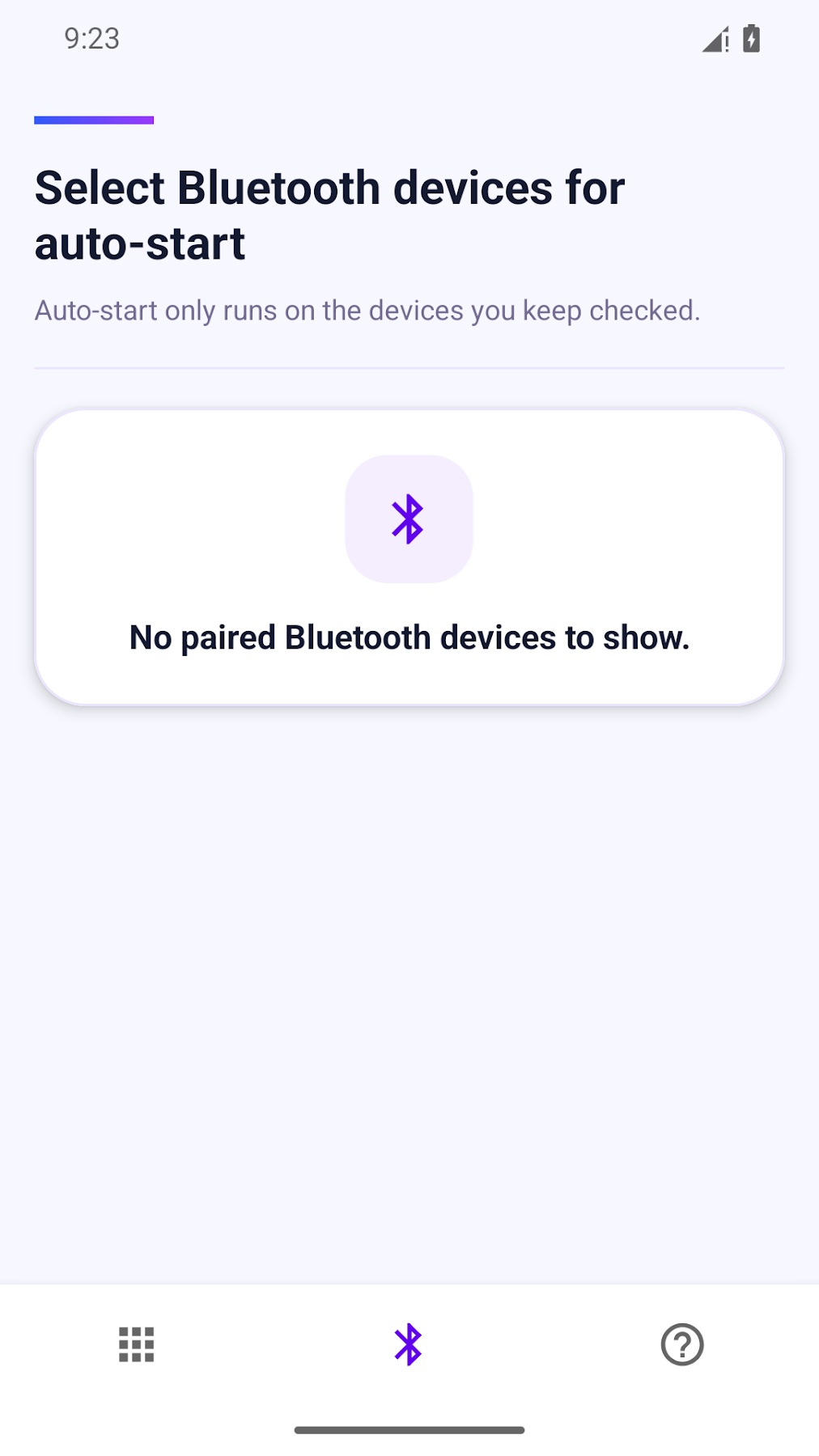
Navi AutoRun opens the navigation app you select when an approved car Bluetooth device connects. Pair your phone with your car in Android settings, then choose the device and navigation app in Navi AutoRun.
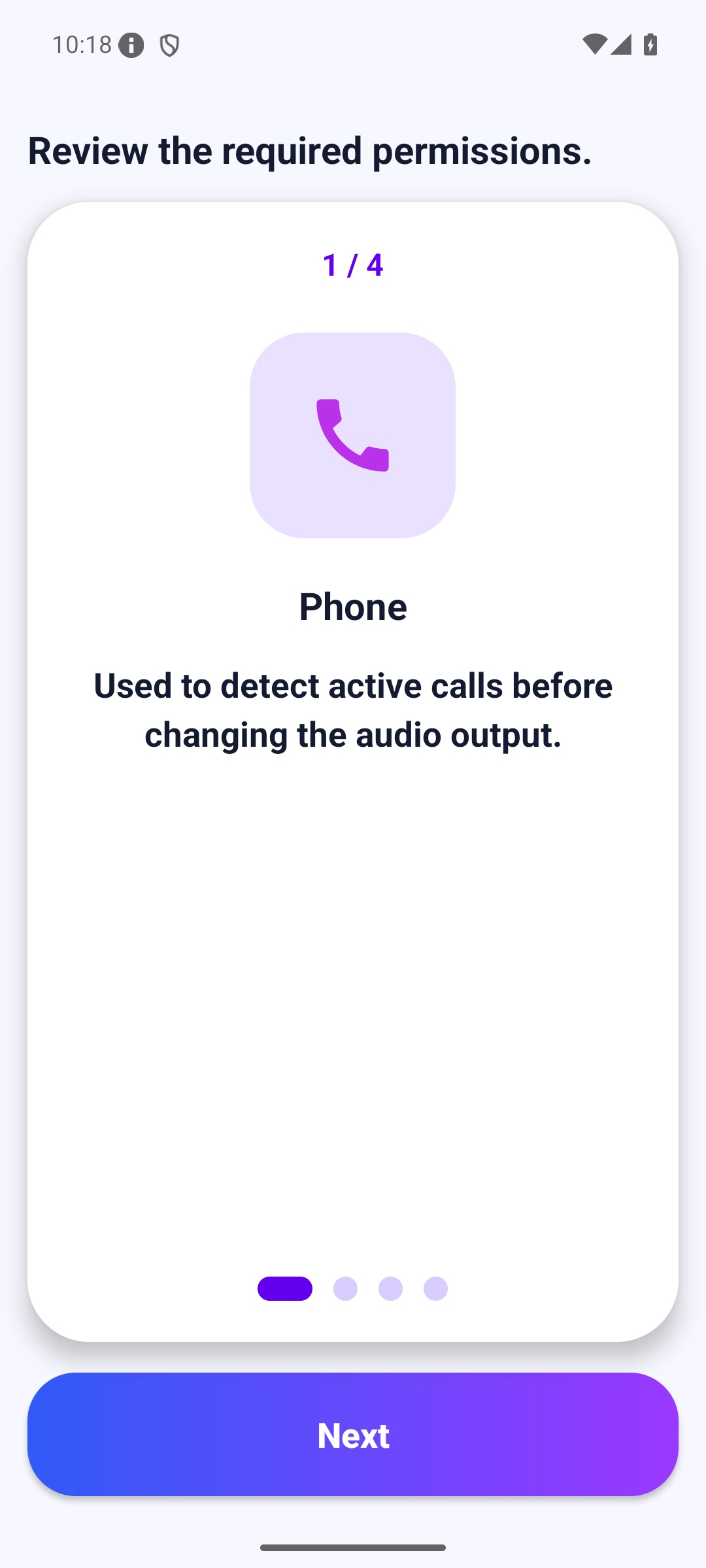
Set a media volume to apply on connection. On compatible devices, use the floating audio control to switch navigation audio between the phone speaker and Bluetooth. Audio routing depends on the phone and car stereo. Complete the initial permission setup and check your settings while parked.
Privacy policy: https://coolpisoo.blogspot.com/2017/08/blog-post.html
Versions
Permissions
What the app asks the system for. Android only grants sensitive access after you confirm it.
- Bluetooth connectionConnect to paired Bluetooth devices.
- Internet accessSend and receive data over the internet.
- Audio settingsAdjust volume and audio output.
- BluetoothConnect to Bluetooth devices.
- BLUETOOTH_ADMIN
- Display over other appsDraw content on top of other apps.
- Run at startupStart automatically after the device is switched on.
- Foreground serviceKeep running in the background, visible in the status bar.
Show 12 more permissions
- FOREGROUND_SERVICE_SPECIAL_USE
- Network stateCheck whether and how the device is connected.
- Phone stateDetect ongoing calls and read device information.
- NotificationsShow notifications.
- permission.AD_ID
- ACCESS_ADSERVICES_AD_ID
- ACCESS_ADSERVICES_ATTRIBUTION
- ACCESS_ADSERVICES_TOPICS
- Prevent sleepingKeep the device from going to sleep.
- permission.BIND_GET_INSTALL_REFERRER_SERVICE
- navimode_olleh.DYNAMIC_RECEIVER_NOT_EXPORTED_PERMISSION
- privacypass.ATTEST
Comments