
MTA NET BLOCKER
Manage internet access for individual Android apps. Block or allow apps with a local VPN firewall, no root required.
Screenshots
Description
MTA NET BLOCKER is an Android application designed to give users control over internet access for individual installed applications.
The app uses Android's local VPN service to manage network access, allowing users to block or allow internet access for selected apps without requiring root access.
Key Features:
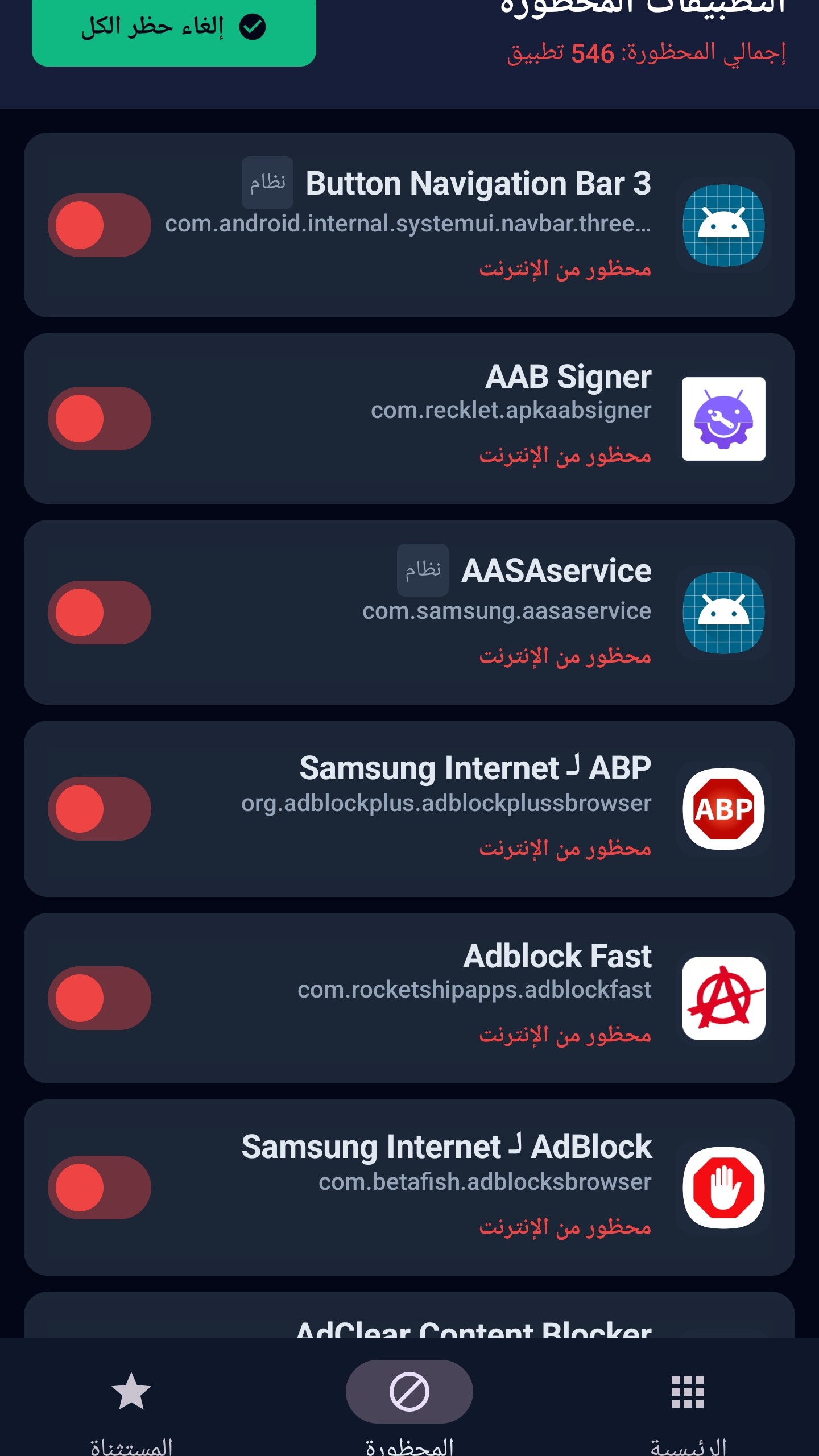
- Block Internet Access: Prevent selected applications from accessing the internet.
- Allow Internet Access: Choose which applications can use the internet.
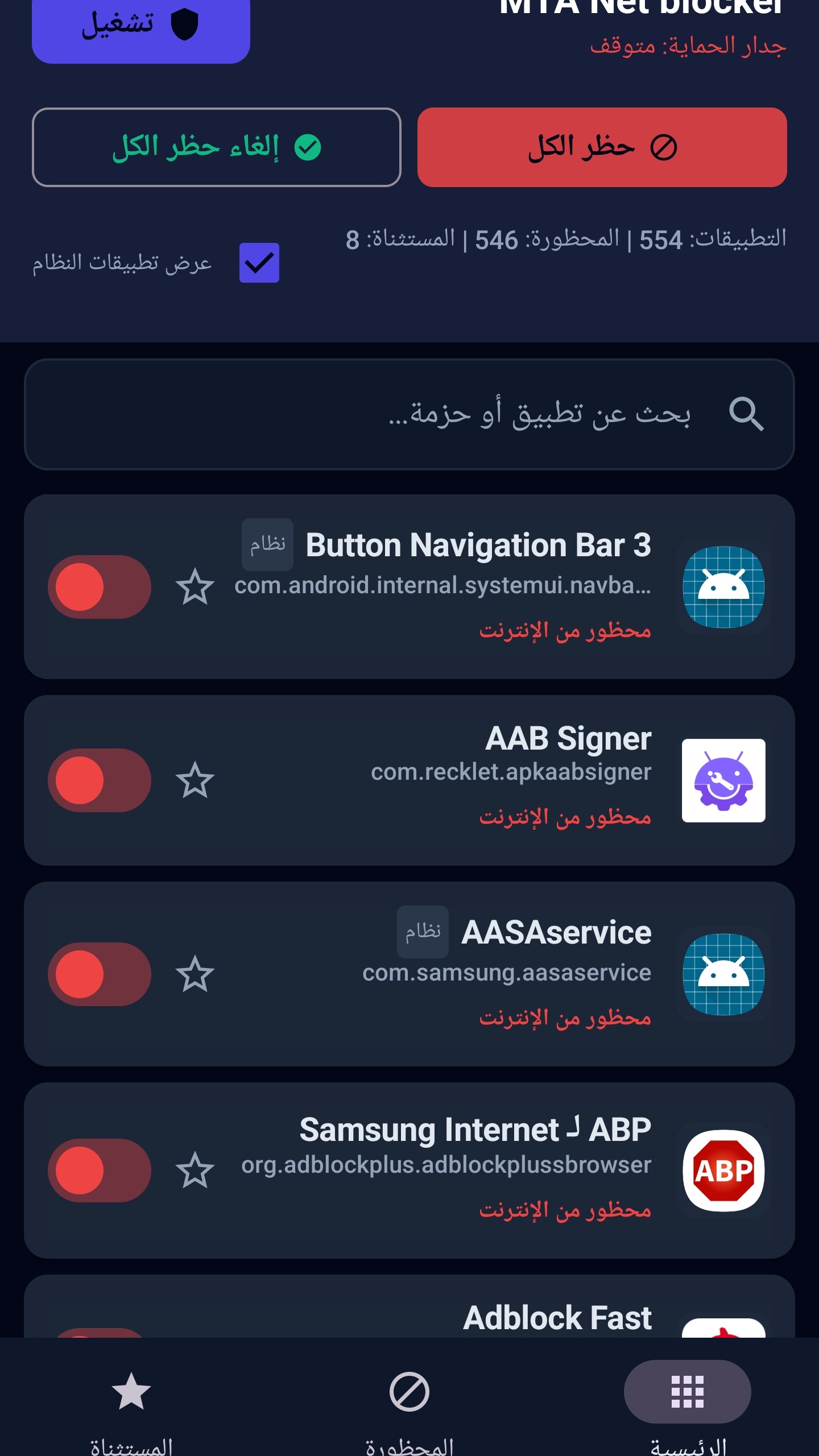
- Individual App Control: Manage internet access for each installed application separately.
- Bulk Management: Block or unblock multiple applications at once.
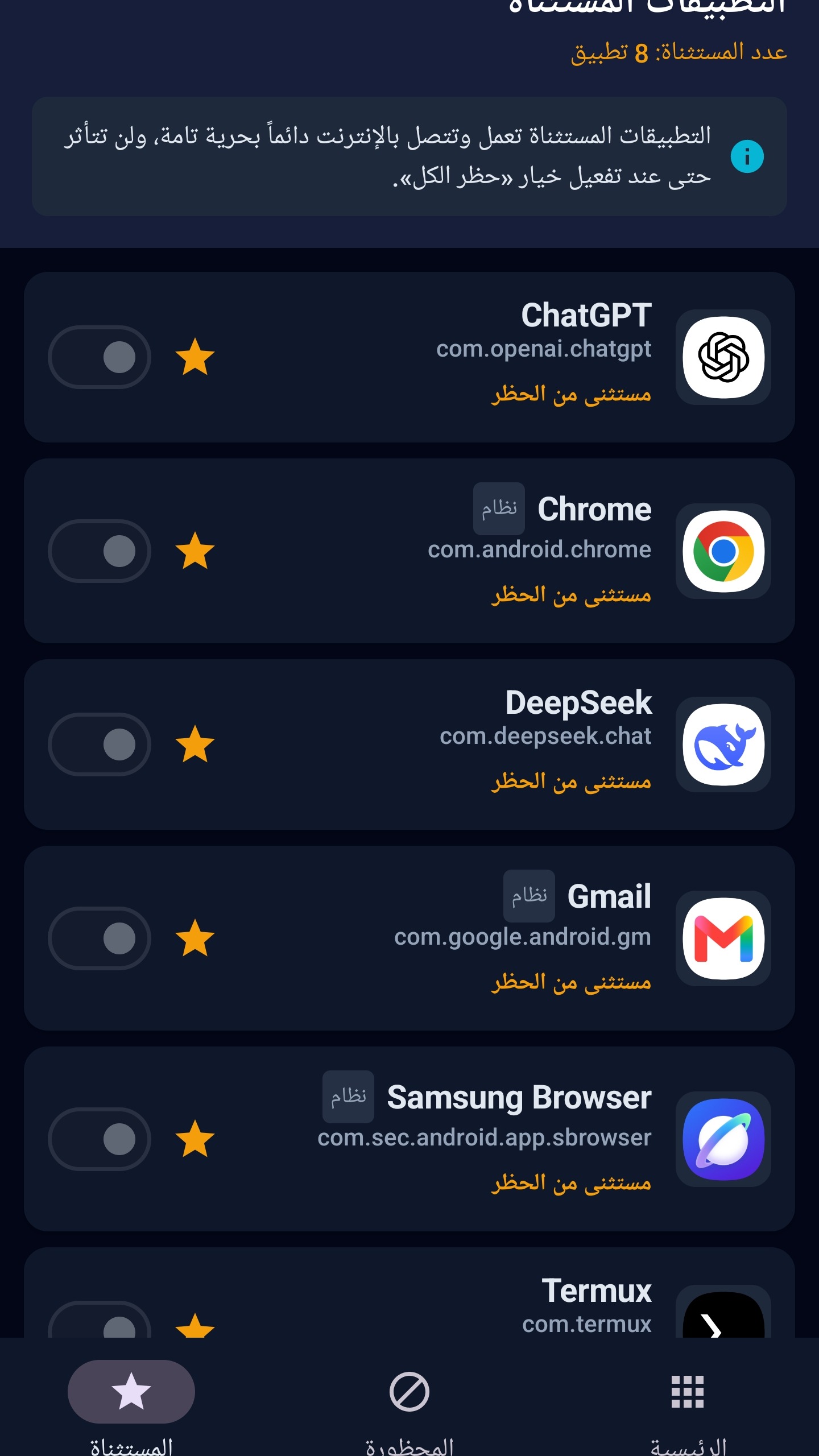
- Separate Exclusion List: Manage applications that should be excluded from blocking.
- Installed App Icons: Easily identify applications using their original icons.
- Simple Interface: Enjoy straightforward and easy-to-use controls.
- No Root Required: Works without requiring root access.
How It Works:
MTA NET BLOCKER uses Android's VPN service locally to manage application network traffic according to your selected rules. Android VPN permission is required for this functionality.
Privacy:
The app uses the local Android VPN mechanism for network access management. It is designed to control app internet access rather than provide an external VPN service.
Developed by MTA TECHNOLOGIES.
Take control of your Android applications' internet access with MTA NET BLOCKER.
Versions
Permissions
What the app asks the system for. Android only grants sensitive access after you confirm it.
- Internet accessSend and receive data over the internet.
- Network stateCheck whether and how the device is connected.
- Change networkChange network connections.
- Foreground serviceKeep running in the background, visible in the status bar.
- FOREGROUND_SERVICE_SPECIAL_USE
- NotificationsShow notifications.
- Installed appsSee which apps are installed.
- Prevent sleepingKeep the device from going to sleep.
Show 6 more permissions
- permission.BIND_GET_INSTALL_REFERRER_SERVICE
- permission.AD_ID
- ACCESS_ADSERVICES_ATTRIBUTION
- ACCESS_ADSERVICES_AD_ID
- ACCESS_ADSERVICES_TOPICS
- testverify.DYNAMIC_RECEIVER_NOT_EXPORTED_PERMISSION
Comments