
Karecue: Screenshot Organizer
Turn selected screenshots into cards, reminders and actions.
Screenshots
Description
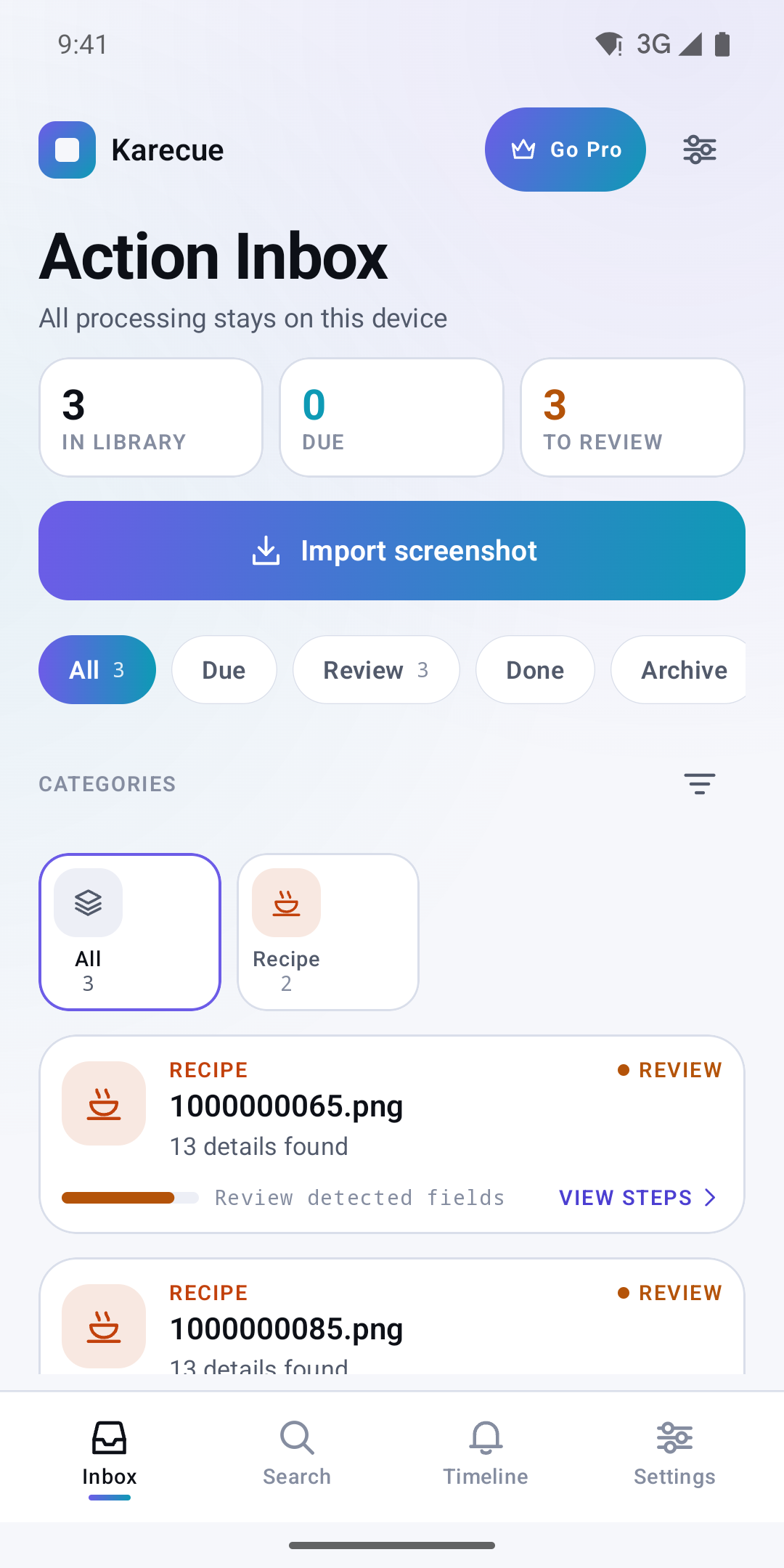
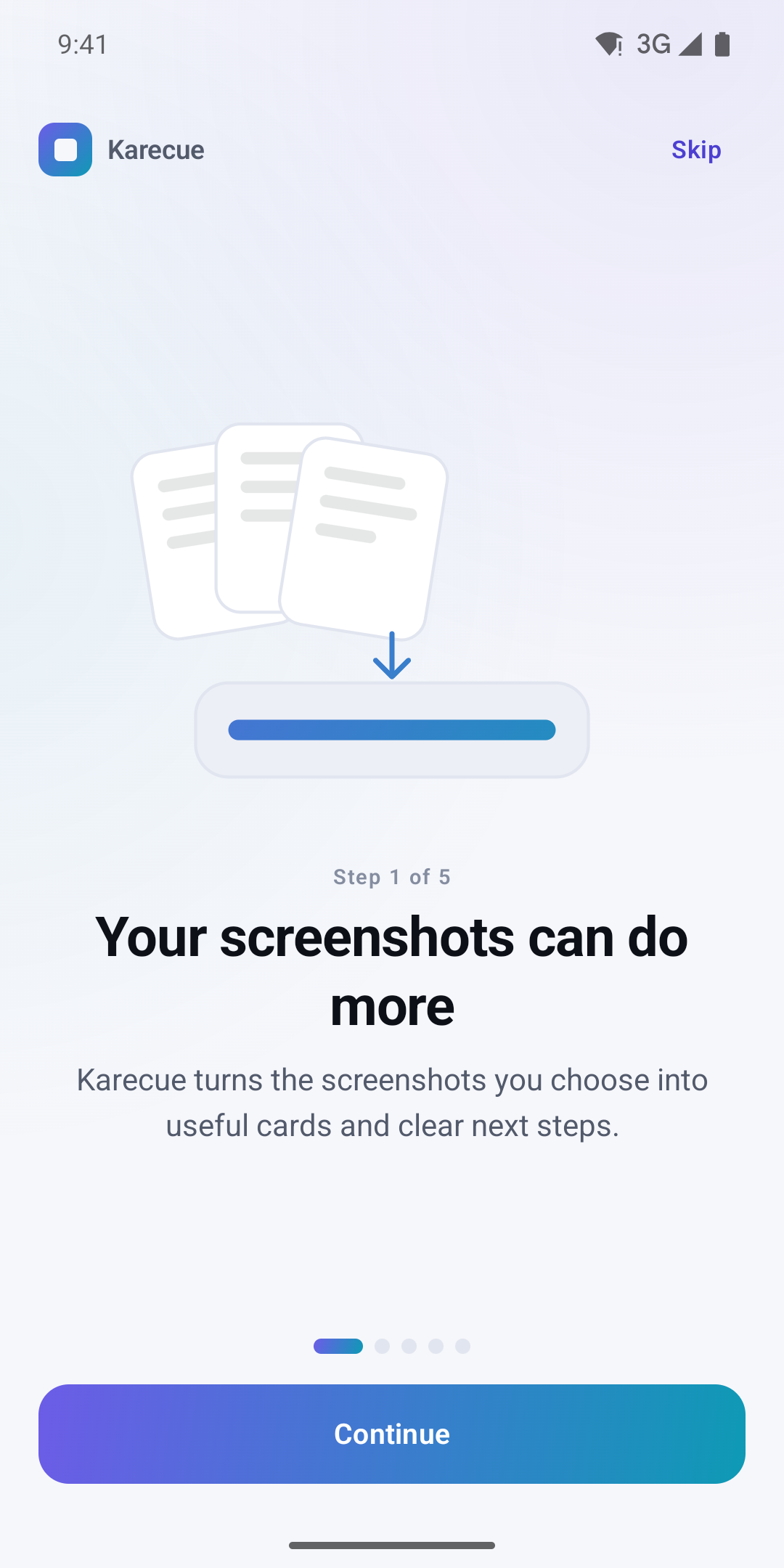
Karecue turns screenshots you choose into organized cards and useful next steps. Import images with Android's system picker or share them directly from another app. Review the detected information before saving it or opening an action.
A ticket can become a date and reminder, an order can reveal a tracking code, and a product can join a shopping list. Address, recipe and saved-post cards help you return to map links, ingredient lists and ideas. OTP screenshots can receive a deletion suggestion, but Karecue never deletes them automatically.
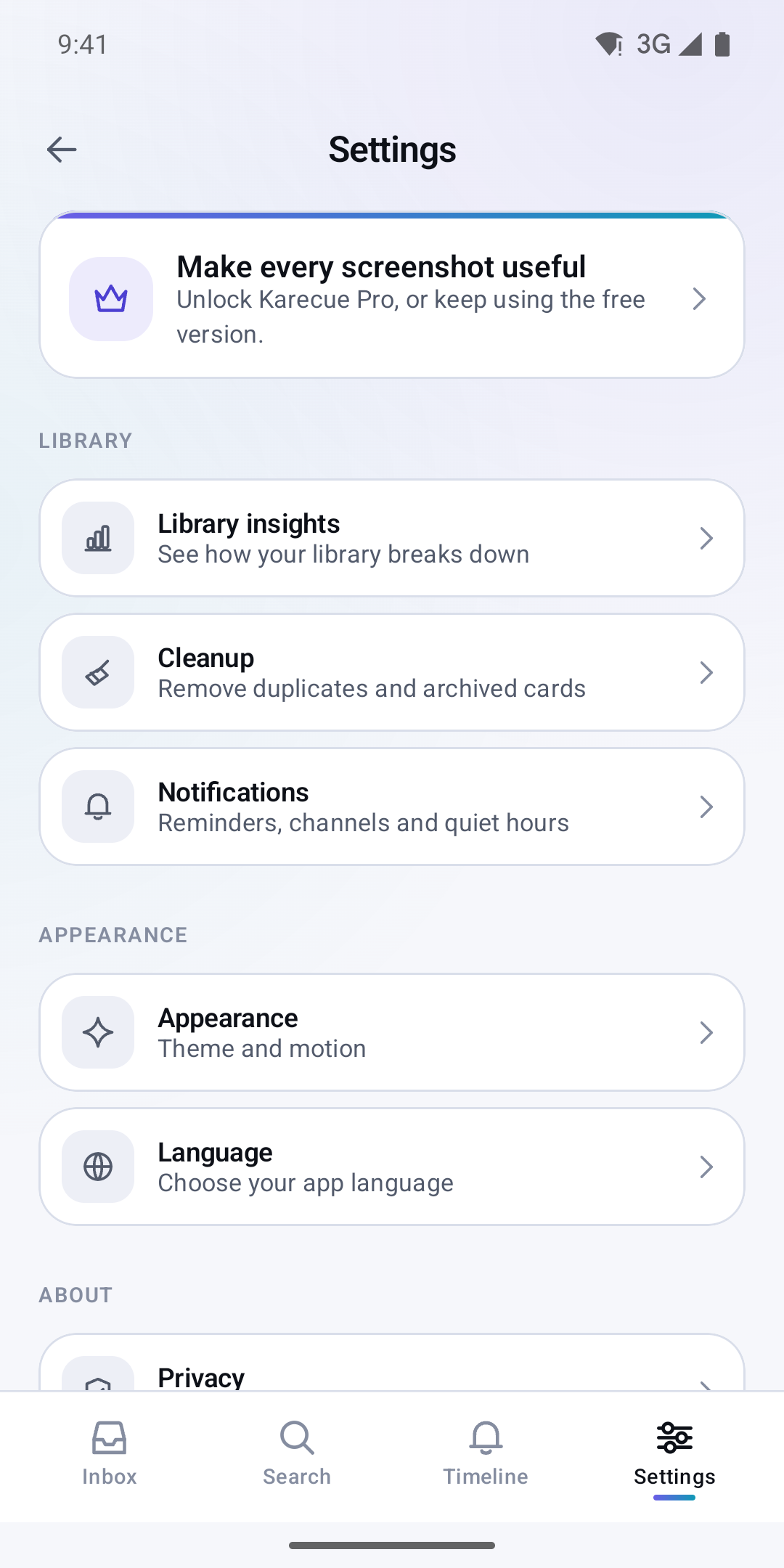
Filter your Smart Inbox, see upcoming items, mark actions complete and archive finished cards. Saved cards remain available offline without an account. Optional reminders and home-screen widgets help you return to them. Pro removes standard ads and adds larger batches. Always compare extracted details with the original screenshot.
Contains ads. Includes optional in-app purchases and subscriptions for premium features.
Versions
Permissions
What the app asks the system for. Android only grants sensitive access after you confirm it.
- NotificationsShow notifications.
- Run at startupStart automatically after the device is switched on.
- In-app purchasesHandle purchases inside the app.
- Internet accessSend and receive data over the internet.
- Network stateCheck whether and how the device is connected.
- permission.AD_ID
- ACCESS_ADSERVICES_AD_ID
- ACCESS_ADSERVICES_ATTRIBUTION
Show 3 more permissions
- ACCESS_ADSERVICES_TOPICS
- Prevent sleepingKeep the device from going to sleep.
- karecue.DYNAMIC_RECEIVER_NOT_EXPORTED_PERMISSION
Comments