
HBR VPN
VPN for Android. Free installation and a 3-day trial, then a paid subscription.
Screenshots
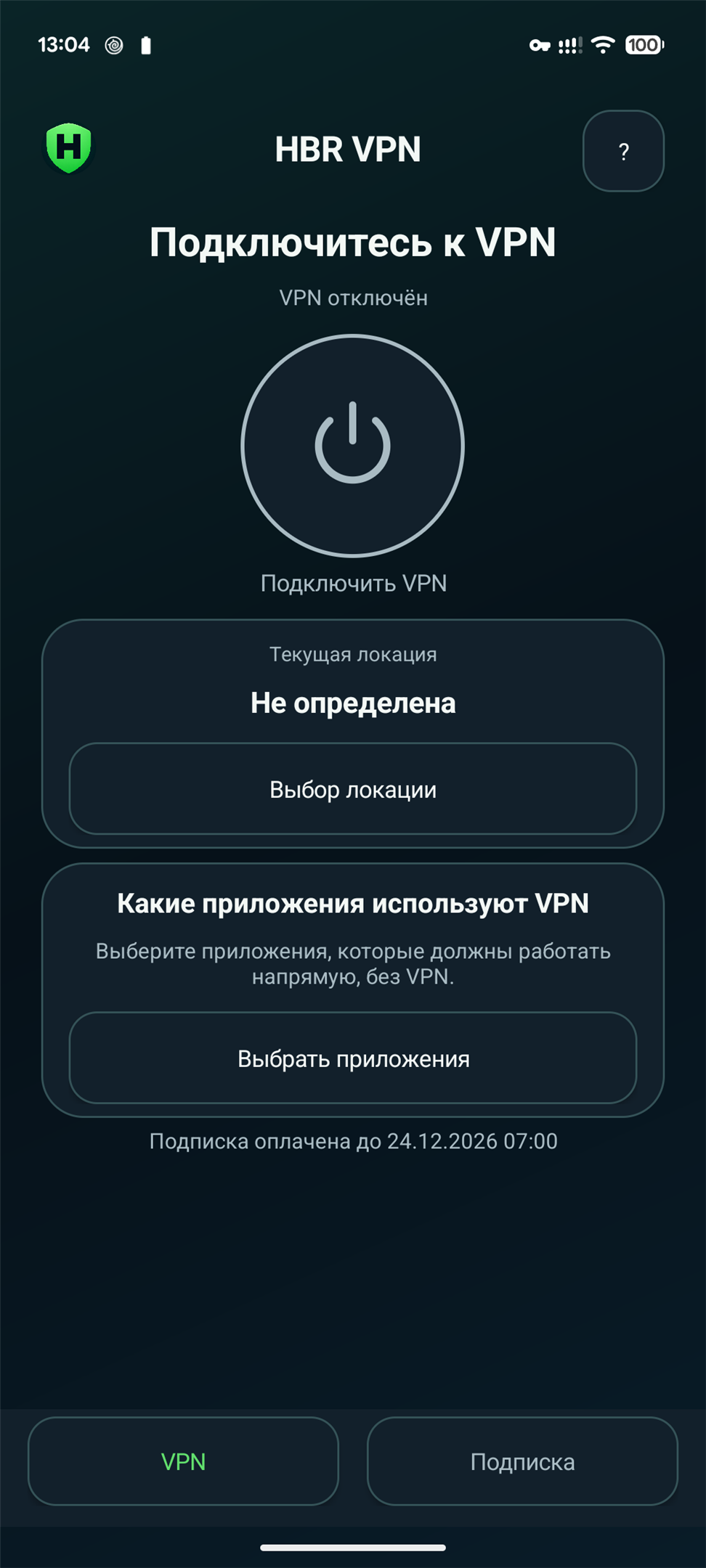
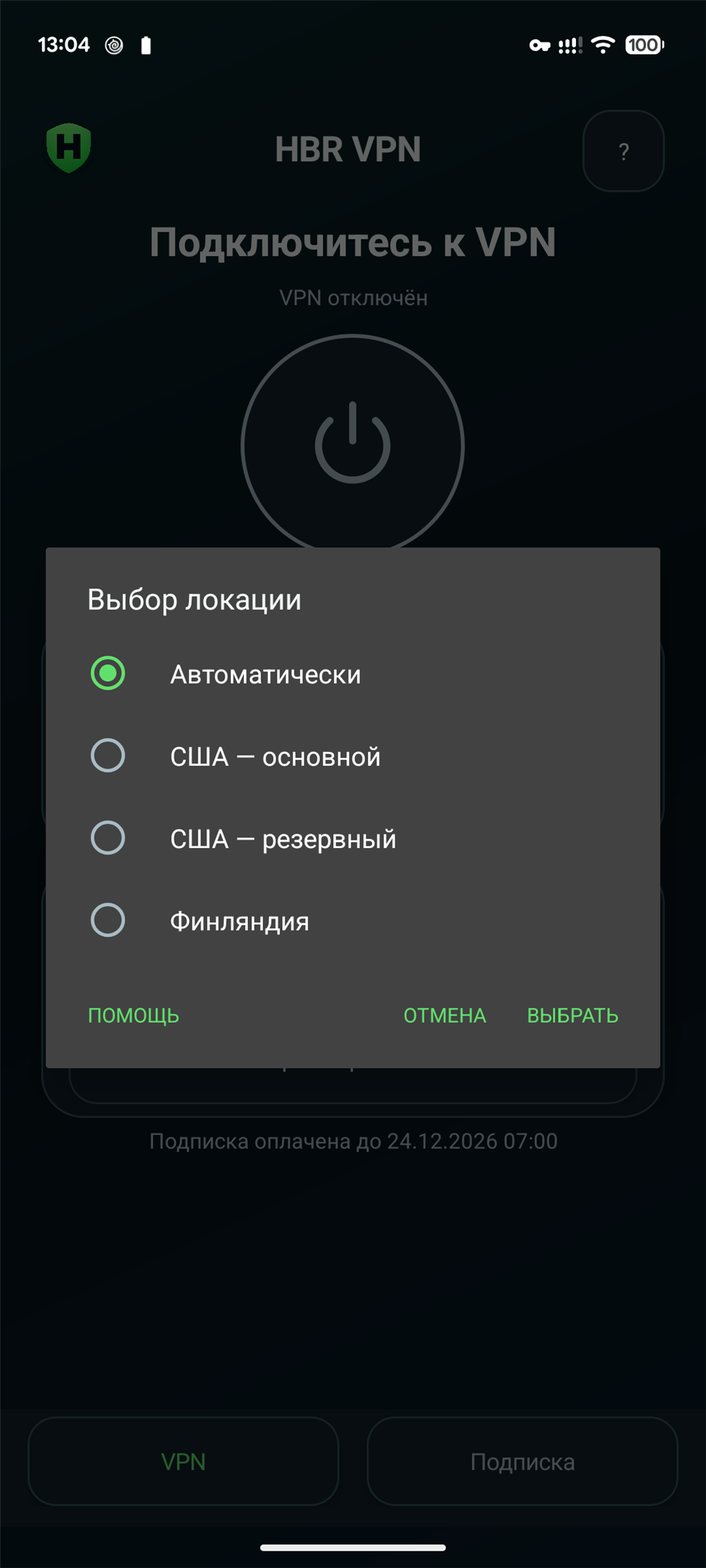
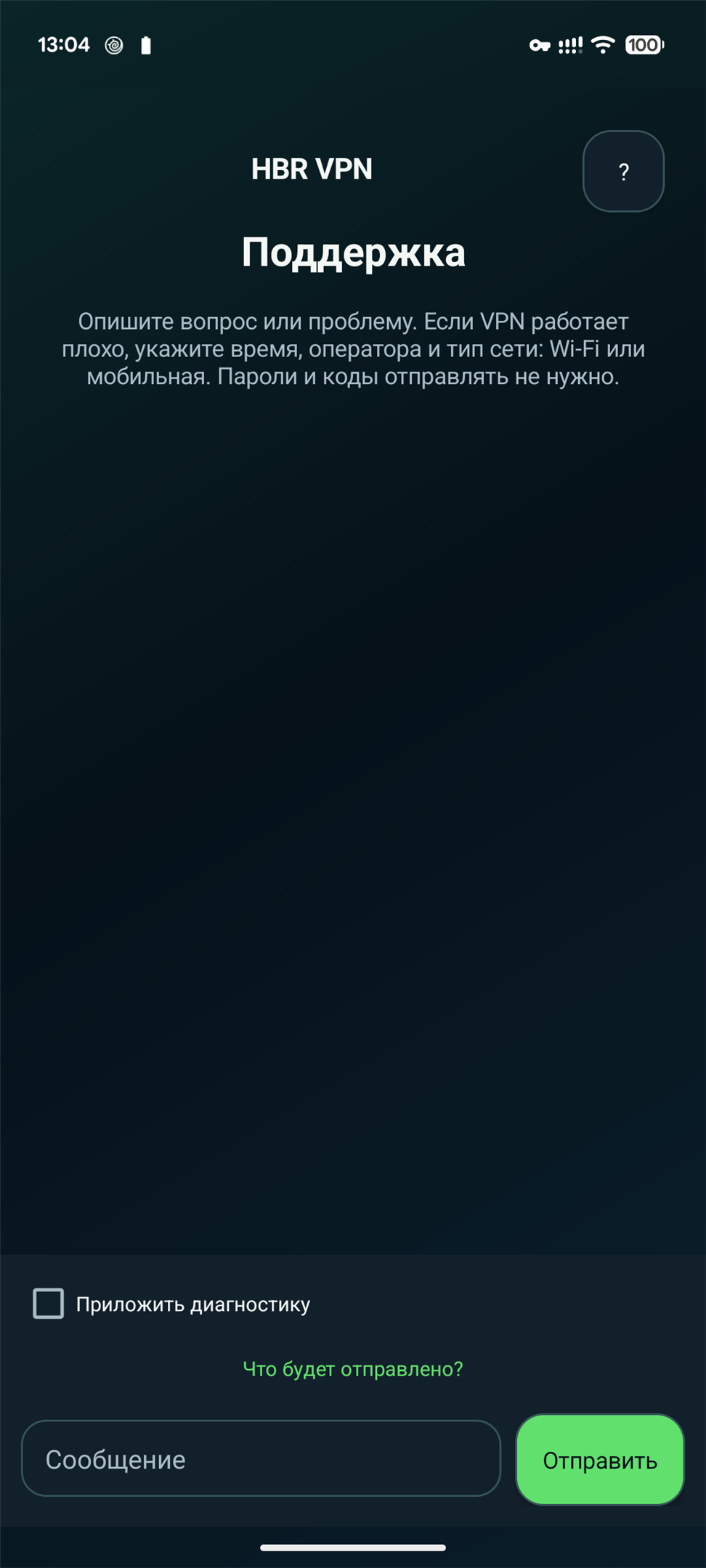
Description
HBR VPN — encrypted connections for Android
Free APK download. New users receive a one-time 3-day trial. After the trial, a paid subscription purchased on the HBR VPN website is required. One subscription covers one device. Renewals are manual; there is no automatic renewal.
HBR VPN creates an encrypted connection between your Android device and a VPN server. Connect from the home screen with a single tap.
Features:
- Automatic connection mode or manual server selection.
- Exclude selected apps from the VPN to use a direct connection.
- Sign in by email with a verification code.
- View remaining access time, payment and credit history, and contact support in the app.
- Support message drafts are saved automatically and new replies are highlighted.
- Russian-language interface.
HBR VPN can be used to connect to Gemini, ChatGPT and Claude. Availability depends on their rules, the region and network conditions.
Requirements: Android 8 or later and a 64-bit ARM processor. This build does not support 32-bit devices or iPhone.
Third-party services are used to estimate the city associated with an IP address. Connection speed and availability depend on your network and server load.
Published by HBR VPN, an individual developer based in Russia. Proprietary application; third-party components retain their respective licences.
Website: https://hbrvpn.ru/app
Privacy policy: https://hbrvpn.ru/privacy
Terms: https://hbrvpn.ru/terms
Refunds: https://hbrvpn.ru/refund
Developer contacts: https://hbrvpn.ru/contacts
Support: s.s.rashkin@gmail.com
Versions
Permissions
What the app asks the system for. Android only grants sensitive access after you confirm it.
- Internet accessSend and receive data over the internet.
- Network stateCheck whether and how the device is connected.
- Foreground serviceKeep running in the background, visible in the status bar.
- FOREGROUND_SERVICE_SYSTEM_EXEMPTED
- NotificationsShow notifications.
Comments