
EV assistant volume control by voice
EV Assistant – Smart voice assistant for calling, flashlight, video search, weather updates and more.
Screenshots
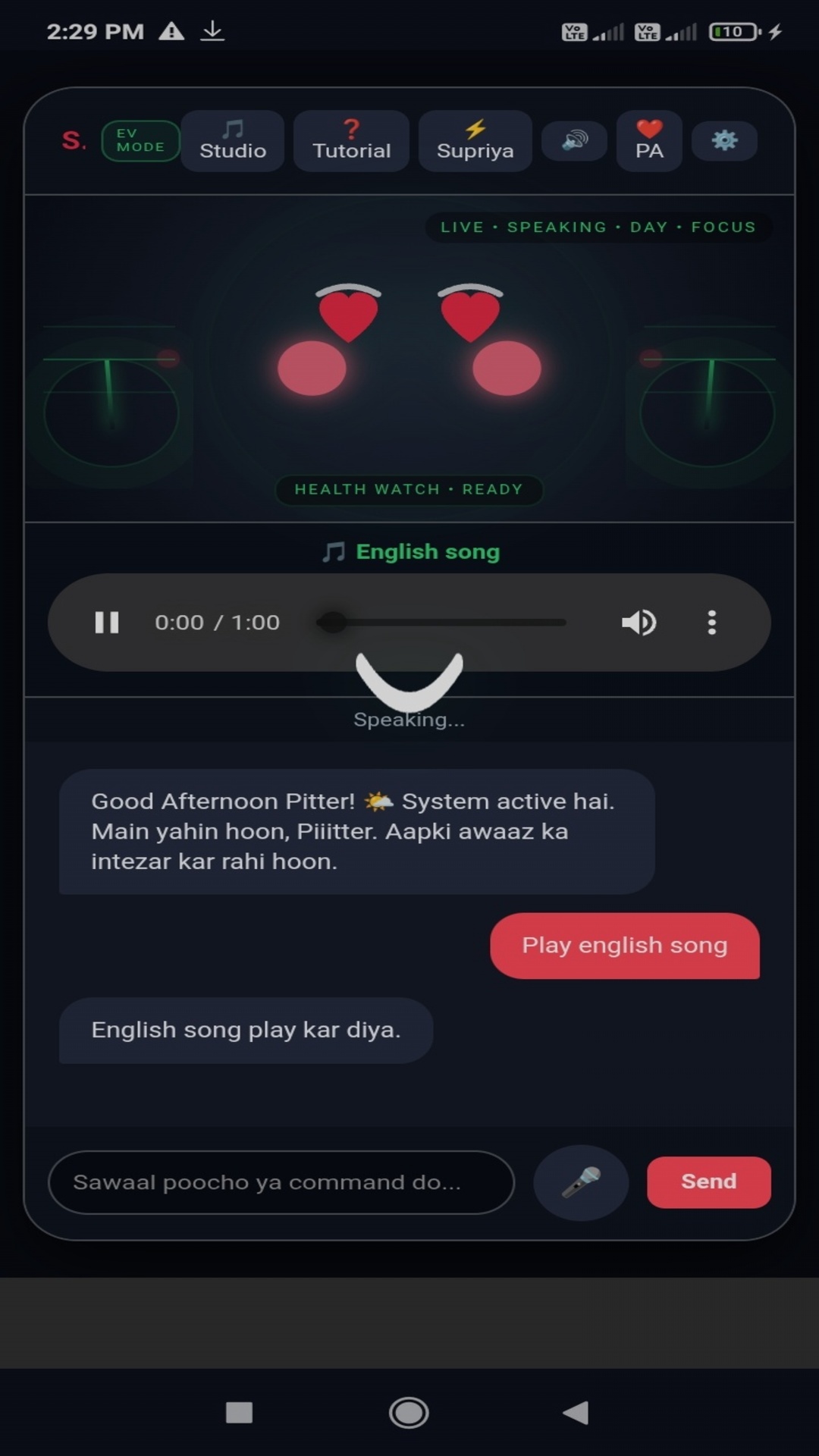
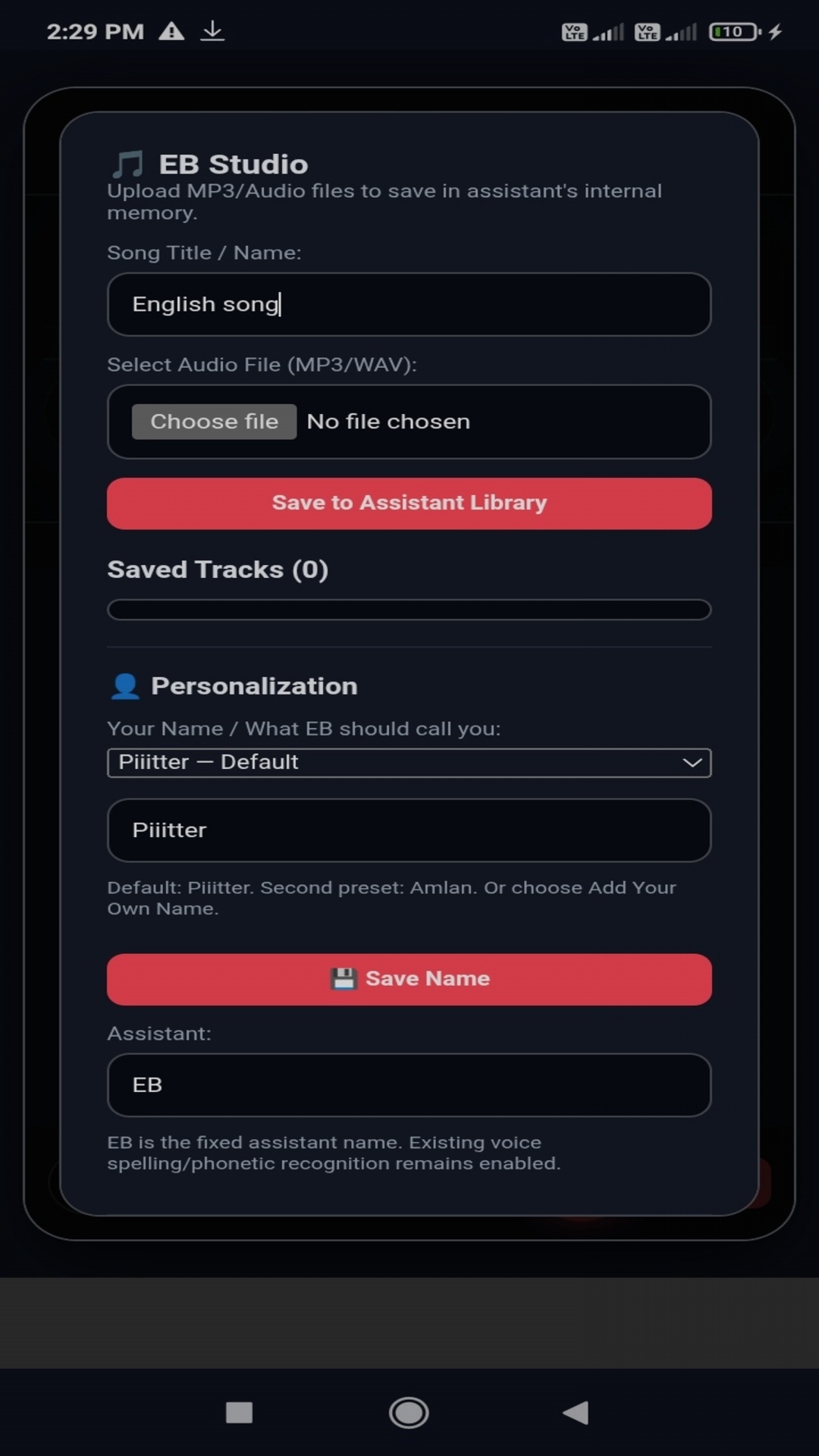
Description
🚗⚡ EV Assistant – Smart Voice Assistant
EV Assistant is a fast and simple Android voice assistant designed to help you perform useful everyday tasks with your voice.
🎙️ Smart Voice Assistant
Use your voice to interact with the assistant and perform supported tasks quickly and easily.
📞 Voice Calling
Make phone calls using voice commands without having to manually search through your contacts.
🔦 Flashlight Control
Turn your phone's flashlight on or off using your voice.
🔎 Voice-Powered Video Search
Search for videos using your voice and find the content you are looking for quickly.
🌤️ Weather Updates
Get weather information using voice commands.
🤖 Personal Assistant Features
Use EV Assistant for various useful everyday assistant functions.
⚡ Fast & Simple
Designed with a simple interface for quick and easy use.
📱 Android App
EV Assistant is built for Android devices and focuses on convenient voice-powered features.
Note: Some features may require appropriate device permissions, an internet connection, or compatible services. Feature availability may vary depending on your device and Android version.
📸 Take Screenshot by Voice
🌐 Upgraded Browser
Bug Fixes & Performance Improvements
Versions
Permissions
What the app asks the system for. Android only grants sensitive access after you confirm it.
- MicrophoneRecord audio.
- CameraTake photos and videos.
- Internet accessSend and receive data over the internet.
- Place callsCall phone numbers without asking again.
- ANSWER_PHONE_CALLS
- Phone stateDetect ongoing calls and read device information.
- Foreground serviceKeep running in the background, visible in the status bar.
- FOREGROUND_SERVICE_MICROPHONE
Show 21 more permissions
- FOREGROUND_SERVICE_MEDIA_PLAYBACK
- FOREGROUND_SERVICE_MEDIA_PROJECTION
- System settingsChange system settings.
- Exact alarmsTrigger actions at a precise time.
- NotificationsShow notifications.
- Read storageRead files on the device storage.
- VideosRead videos from the media library.
- Prevent sleepingKeep the device from going to sleep.
- USE_FULL_SCREEN_INTENT
- Run at startupStart automatically after the device is switched on.
- Precise locationDetermine the location via GPS.
- Approximate locationDetermine the location via the network.
- Wi-Fi stateRead information about the Wi-Fi connection.
- Change Wi-FiTurn Wi-Fi on and off or switch networks.
- Change networkChange network connections.
- NEARBY_WIFI_DEVICES
- Network stateCheck whether and how the device is connected.
- permission.BIND_GET_INSTALL_REFERRER_SERVICE
- permission.AD_ID
- ACCESS_ADSERVICES_TOPICS
- pitter.DYNAMIC_RECEIVER_NOT_EXPORTED_PERMISSION
Comments