
TravelTrip World - Travel eSIM
Affordable eSIM travel data for 200+ destinations. Buy, install, stay online.
Screenshots
Beschreibung
Diese Beschreibung liegt nicht in deiner Sprache vor, angezeigt wird die englische Fassung.
TravelTrip World keeps you connected wherever you travel. Choose a prepaid eSIM data plan for more than 200 destinations, install it on your phone in minutes, and get online as soon as you land — no physical SIM card, no store visits and no surprise roaming bills.
WHY TRAVELERS USE TRAVELTRIP WORLD
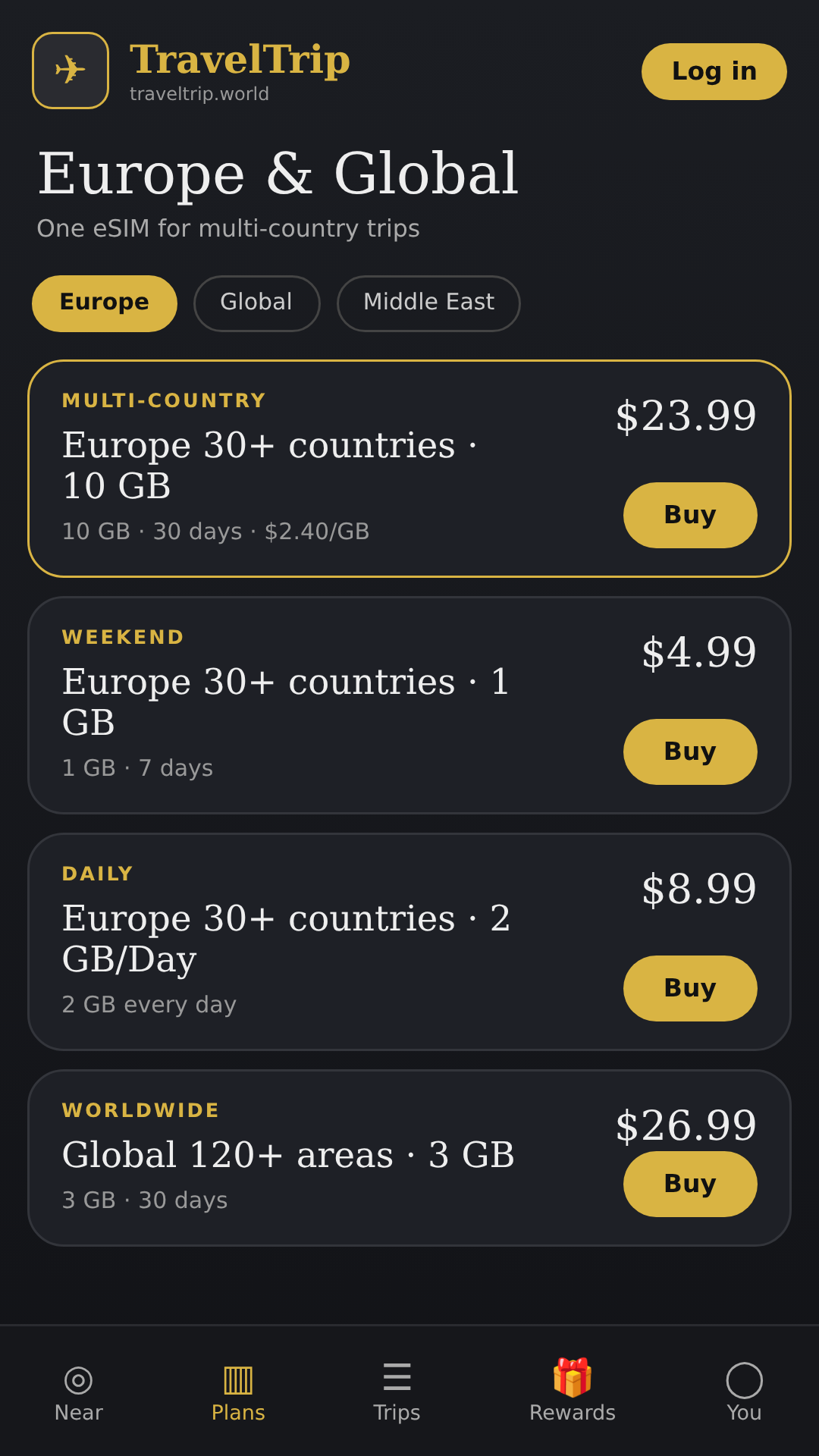
• 200+ destinations – country and regional data plans for trips of any length
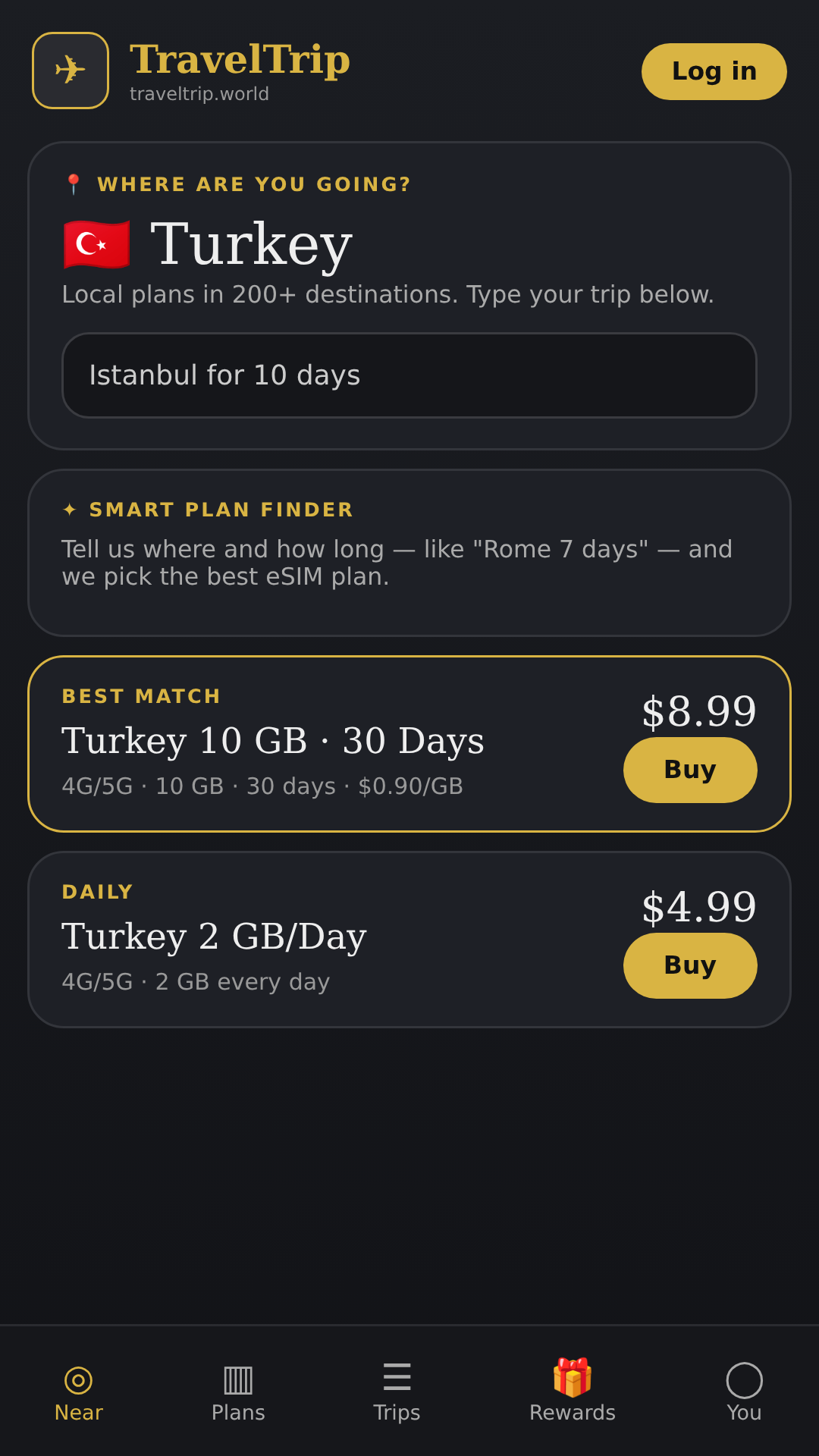
• Smart plan finder – type where you are going and for how long ("Tokyo 10 days") and get the best-fit plan
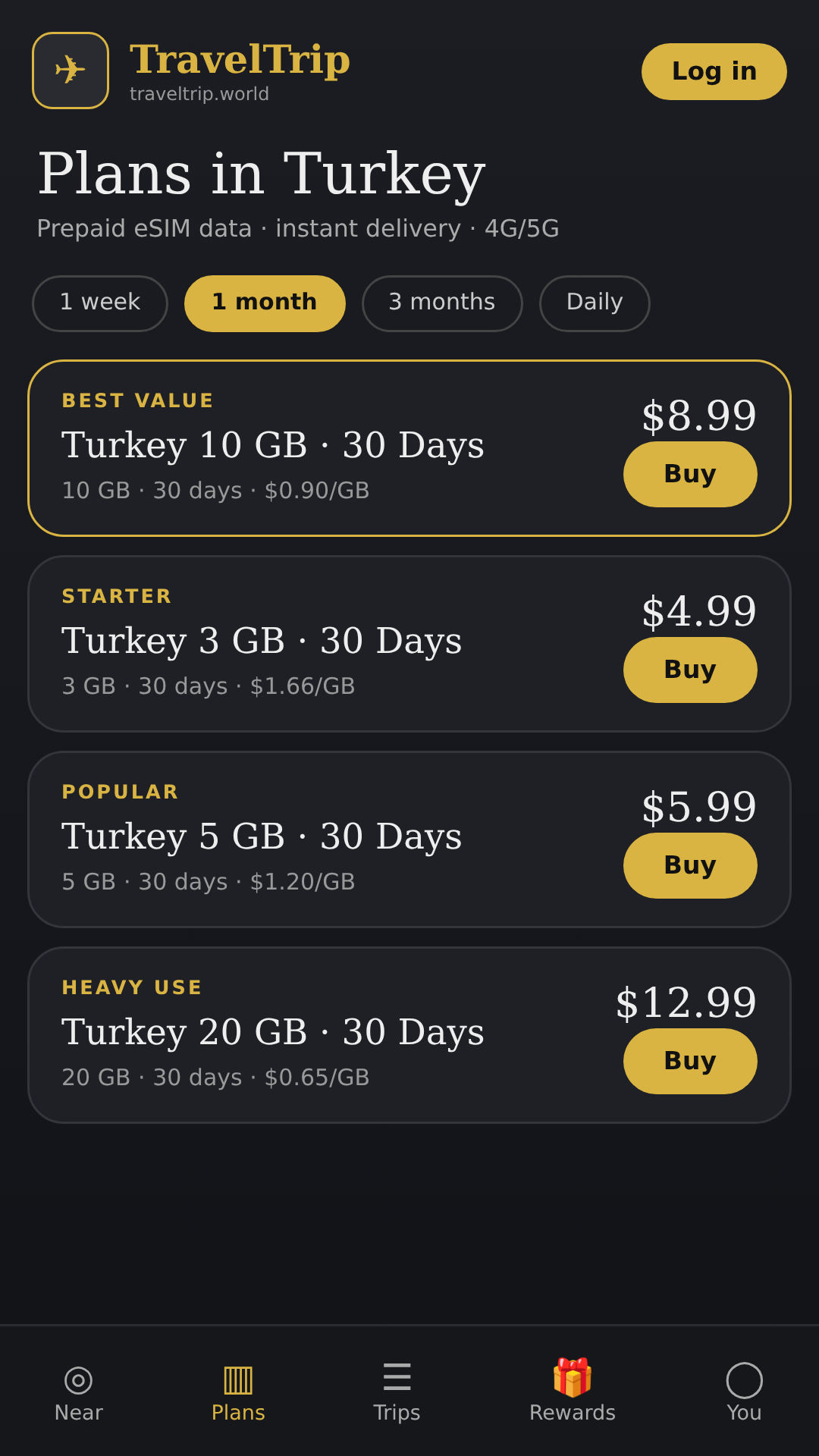
• Clear pricing – data amount, validity and price per GB shown up front
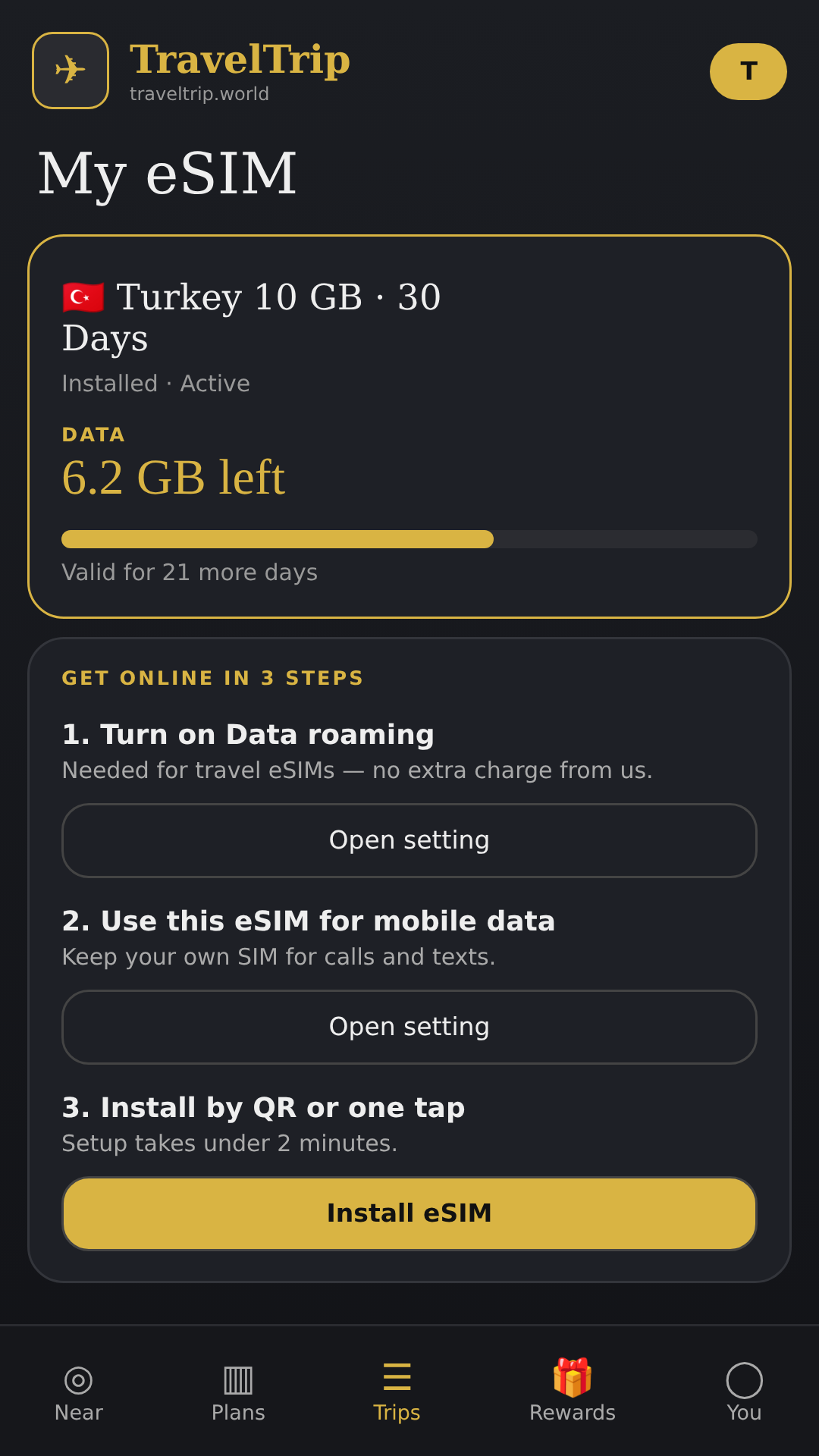
• Fast setup – install your eSIM by QR code or with one tap, plus step-by-step guidance for data roaming and APN settings
• My eSIM – check remaining data and validity at a glance
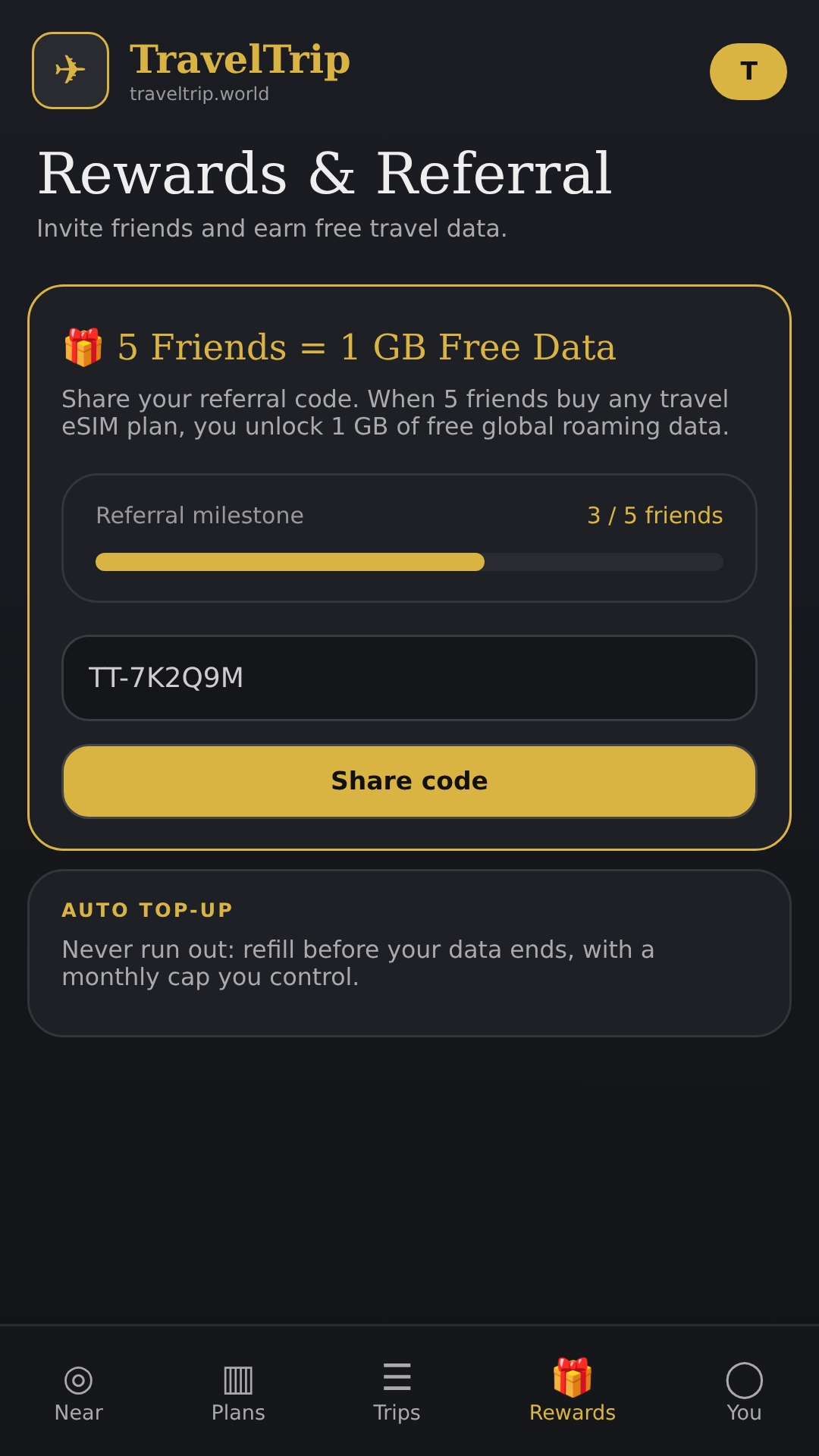
• Auto top-up – optionally refill data before you run out, with a monthly cap you control
• Rewards – invite friends and earn free data
• Secure account – optional biometric lock
HOW IT WORKS
1. Pick your destination and a data plan
2. Pay securely and receive your eSIM instantly
3. Install the eSIM and turn on data roaming for it when you arrive
4. Keep your regular SIM for calls and texts while using TravelTrip World for data
Requires an eSIM-compatible, carrier-unlocked phone.
Questions? Email traveltripworld8@gmail.com or visit https://traveltrip.world
Privacy policy: https://traveltrip.world/privacy
Versionen
Berechtigungen
Was die App beim System anfragt. Sensible Zugriffe gibt Android erst nach deiner Bestätigung frei.
- InternetzugriffDaten über das Internet senden und empfangen.
- BenachrichtigungenMitteilungen anzeigen.
- BiometrieEntsperren per Fingerabdruck oder Gesicht.
- Ungefährer StandortStandort per Netzwerk bestimmen.
- KameraFotos und Videos aufnehmen.
- Speicher schreibenDateien auf dem Gerätespeicher anlegen und ändern.
- FingerabdruckEntsperren per Fingerabdruck.
- NetzwerkstatusPrüfen, ob und wie das Gerät verbunden ist.
3 weitere Berechtigungen anzeigen
- Standby verhindernVerhindern, dass das Gerät in den Ruhezustand wechselt.
- AutostartNach dem Einschalten des Geräts automatisch starten.
- Dienst im VordergrundDauerhaft im Hintergrund laufen, sichtbar in der Statusleiste.
Kommentare